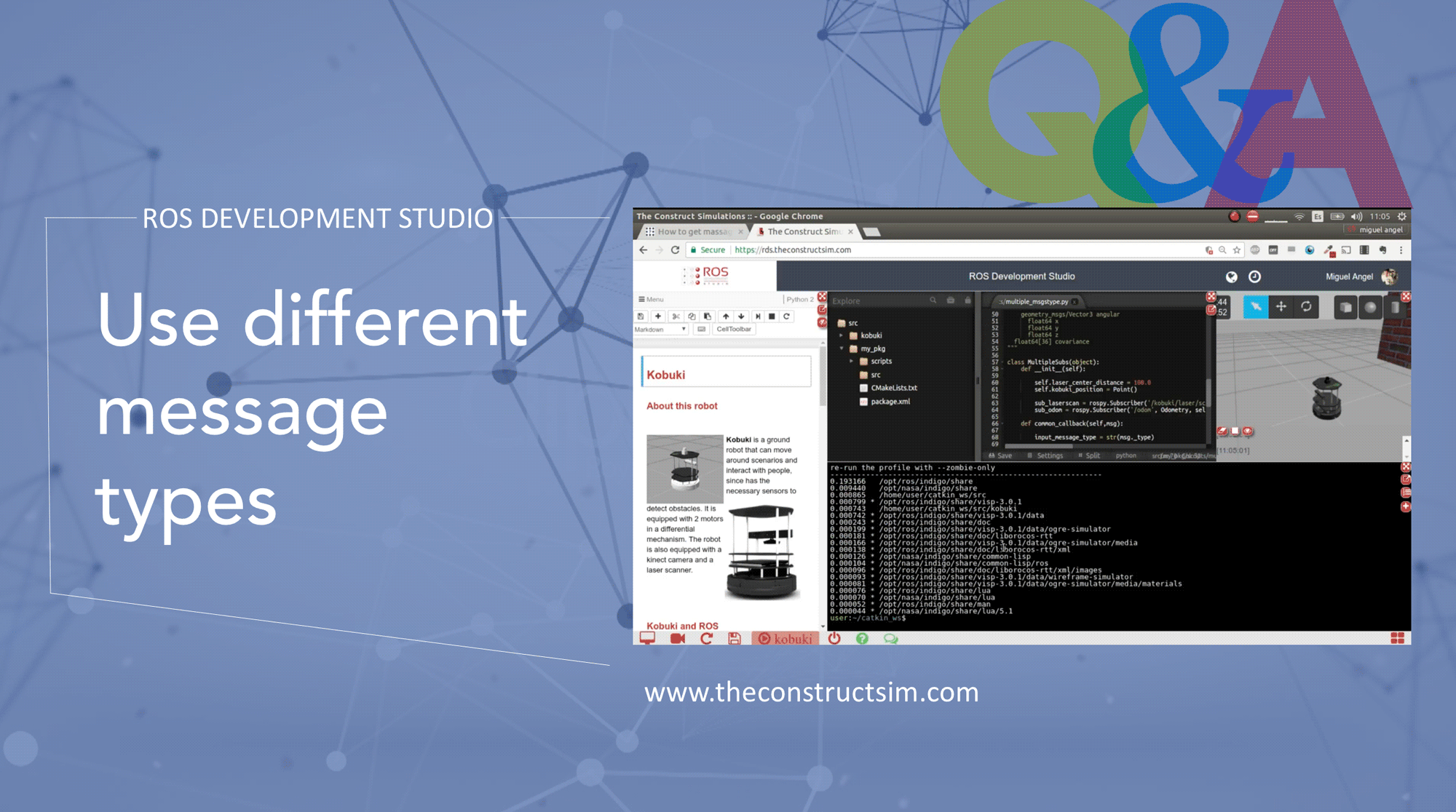
Q:How to get massage type in rospy? A:The cleanest way is to use: `msg._type`
Here I leave an example of two susbcribers in ros using the same callback. The callback called **common_callback** will process the messages differently depending on their type. In this case it processes type LaserScan or Odometry, but this can be used for anything really because the output of the `msg._type` is `sensor_msgs/LaserScan`or `nav_msgs/Odometry`. So its easy too work with that.
example code in this the ROSAnswer: https://answers.ros.org/question/60281/how-to-get-massage-type-in-rospy/
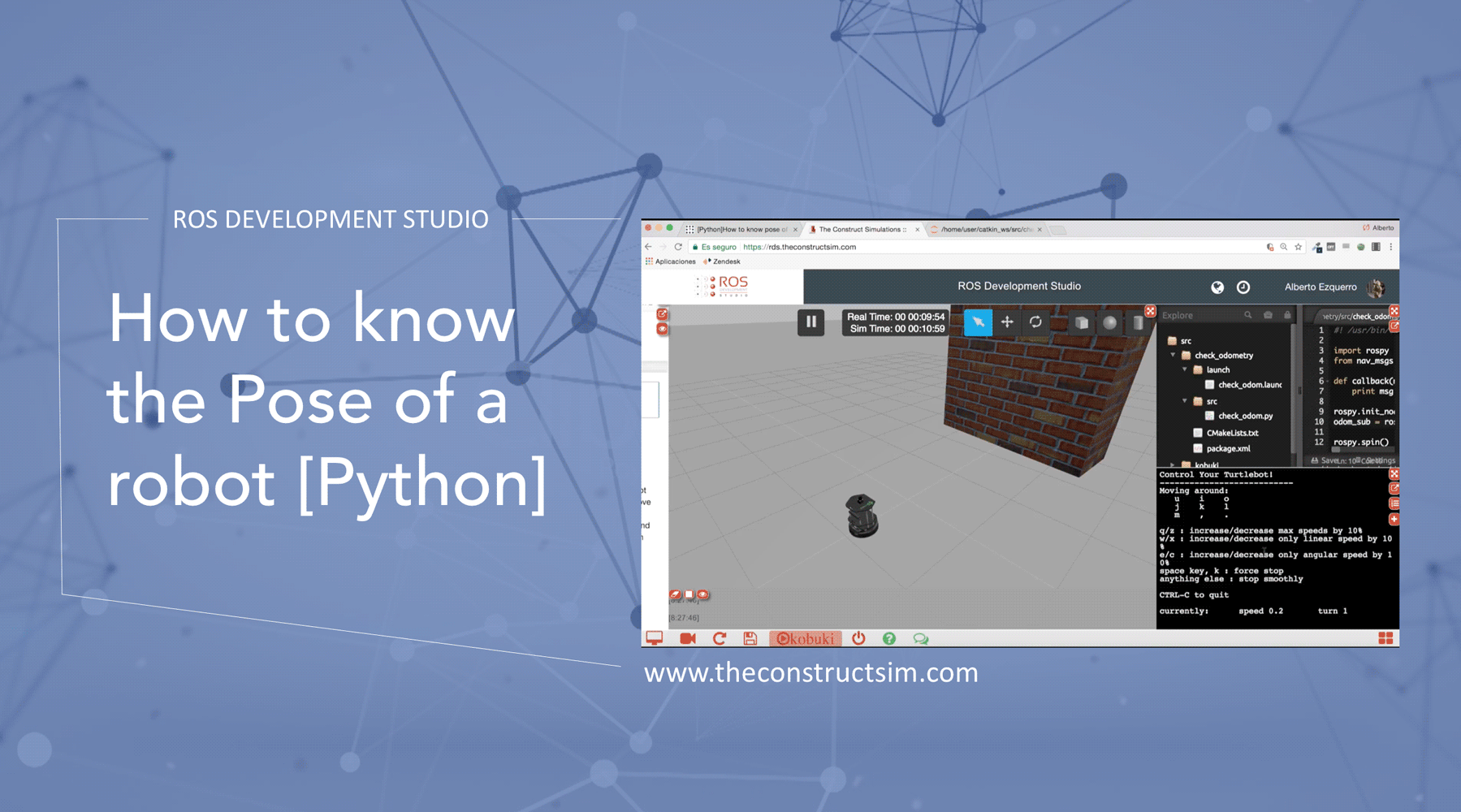
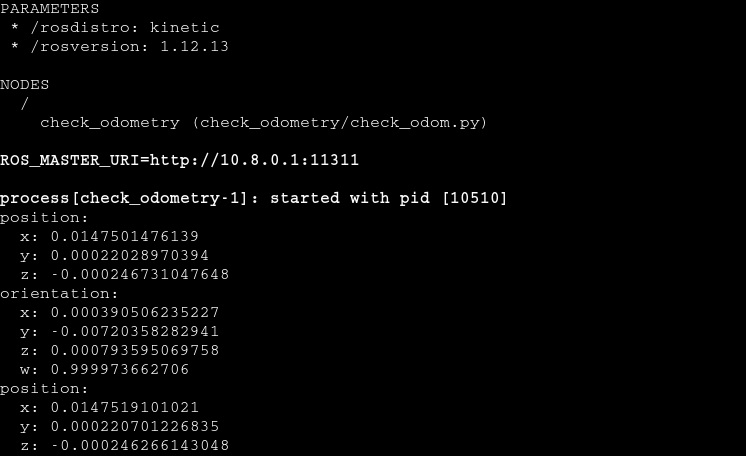
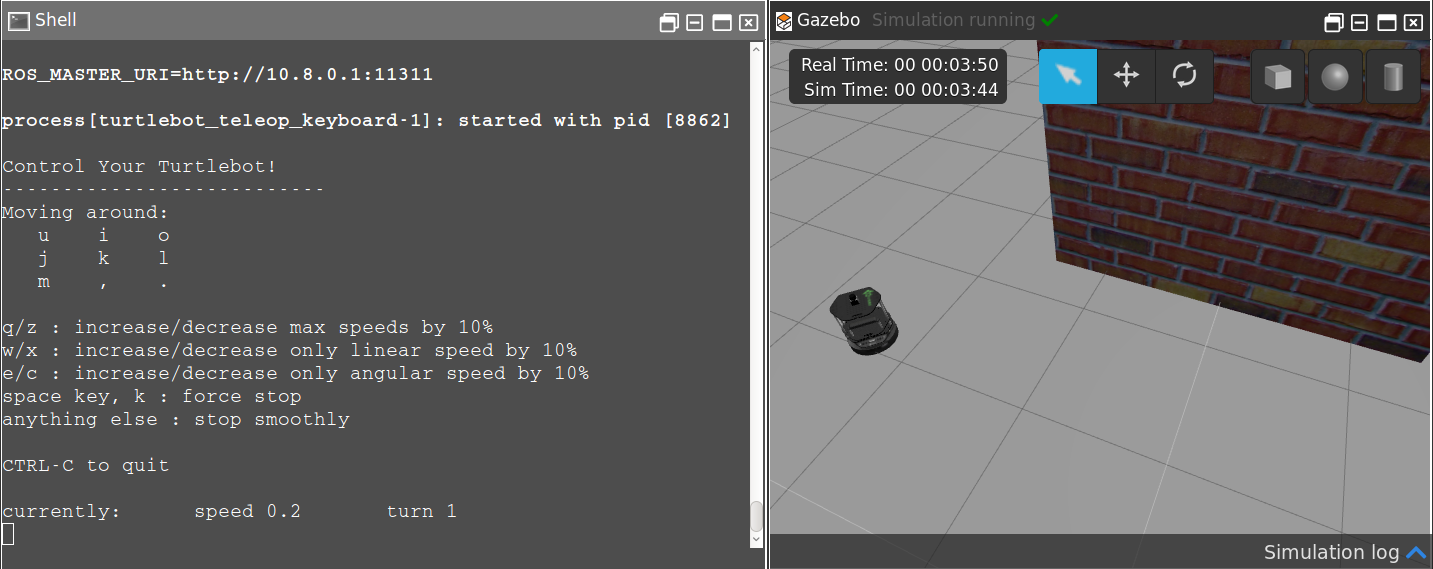
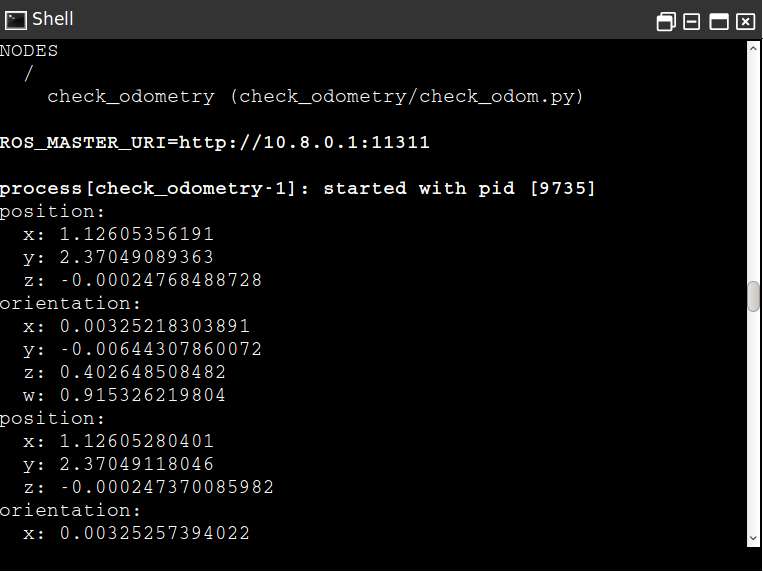
Here you have an example of how to read the Pose of a robot in Python, answering a question made in ROS Answers
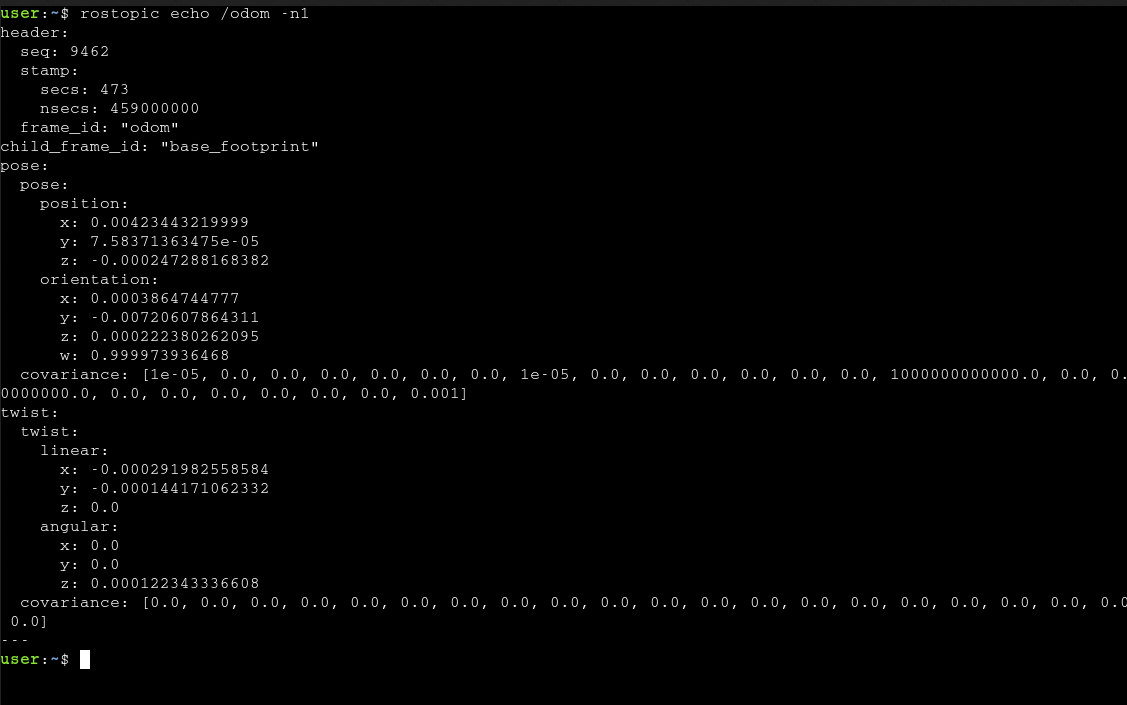
Q: Hello ! I want to know the pose of turtlebot (x,y,z, z rotation) respect to the point from which it started. What is the best way to do that in python?
A:Hello! As you suggest in your last message, the best practice for doing that is to use the odom topic. For that, you can create a simple subscriber in Python that gets the data you need, which is, position and orientation respect to an starting point. The code for a simple subscriber could be like this:
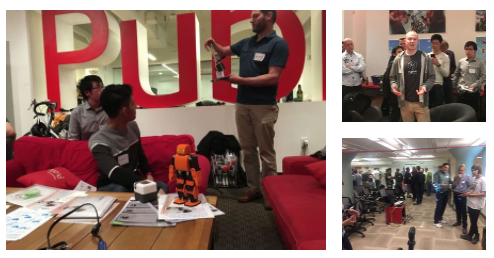
About: Silicon Valley Robotics is a non-profit business association that promotes the innovation and commercialization of robotics technologies. They hold an event every two weeks. You can share your robot or robotics-related project with the robotics students at Silicon Valley CTE, offer your ideas to robotics startups or get the opportunity to be hired by a robotics-related company.
About: Their sessions will showcase the latest in new robot platforms, software, hardware and sensor technologies. A community dedicated to moving the robotics industry forward by bringing the best robotics minds in the area together to network, brainstorm, collaborate, and take real action to execute ideas and visions.
About: A ROS learning community for students or teachers or anybody who interested in learn or teach ROS in an effective way. In their events you can to meet other ROS enthusiasts, join together to learn how to smooth the ROS learning curve and start ROS project quickly.
Meetups topics include: ROS Navigation, ROS introduction, Using OpenAI with ROS , Self-driving cars using ROS, RPS-Industrial, Apply ROS to real robots, etc.
Host City: Chicago (University of Illinois – Chicago campus)
About: A group for people interested in making robots who use/want to use ROS (Robotic Operating System) in the Chicago-land area. Topic will be covered from software development to hardware implementation, as well as all aspects in artificial intelligence
About: A ROS group in Vancouver which is open to anyone interested in using ROS to design and develop robots for real world applications. Their prime focus is on collaborative service robots that can safety interact with humans and share what they have learned.
Meetups topics include: Sensors, Intro to Robot Simulators, Drones, Application of Computer Vision, Robot mapping using SLAM, etc.
About: This group is for people interested in robotics who want to use and learn more about ROS and is open to all interested and will try to strengthen the network between the international and local ROS community.
About: Learn a method to teach ROS fast with no hassle. The aim of this webinar is to show you how to change your classes from passive listening to active practising.
About:The seminar covered overview for introduction, navigation, moveit, UAV, and community briefly by speakers from various groups in Korea. (*This is a past event, but you can still find the presentation slides and other useful ROS materials on their website.)
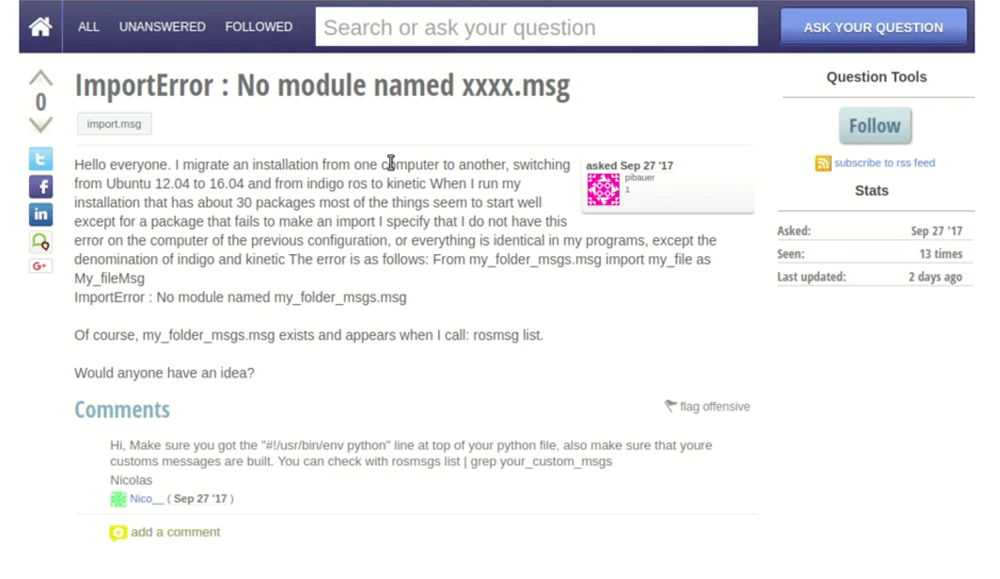
I migrate an installation from one computer to another, switching from Ubuntu 12.04 to 16.04 and from indigo ros to kinetic When I run my installation that has about 30 packages most of the things seem to start well except for a package that fails to make an import I specify that I do not have this error on the computer of the previous configuration, or everything is identical in my programs, except the denomination of indigo and kinetic The error is as follows: From my_folder_msgs.msg import my_file as My_fileMsg ImportError : No module named my_folder_msgs.msg
Of course, my_folder_msgs.msg exists and appears when I call: rosmsg list.
Would anyone have an idea?
Answer:
When we are developing using ROS, it’s common to define our custom ROS Messages, but sometimes we get stuck about how to use our ROS Messages. A common scenario is that my ROS Messages are identified with rosmsg list but when we try to use the message on our nodes (let’s say a python file), there are errors importing. In this video answer, we solve this error by answering a real question.
When we use our custom messages, even if they are listed with,rosmsg list they only can be used by our nodes after they be compiled.
The steps explained in the video can be done in your own computer but we highly recommend you following the steps using ROSDS (ROS Development Studio), since it’s a free platform and you don’t have to install ROS in your local machine :
Step1. Create a ROSject in ROSDS (ROS Development Studio)
As we said previously, you can easily follow the steps using ROSDS. The advantage is that you can use ROS without having to install ROS. The only thing you need is a Web Browser. In order to create an account, please go to this link.
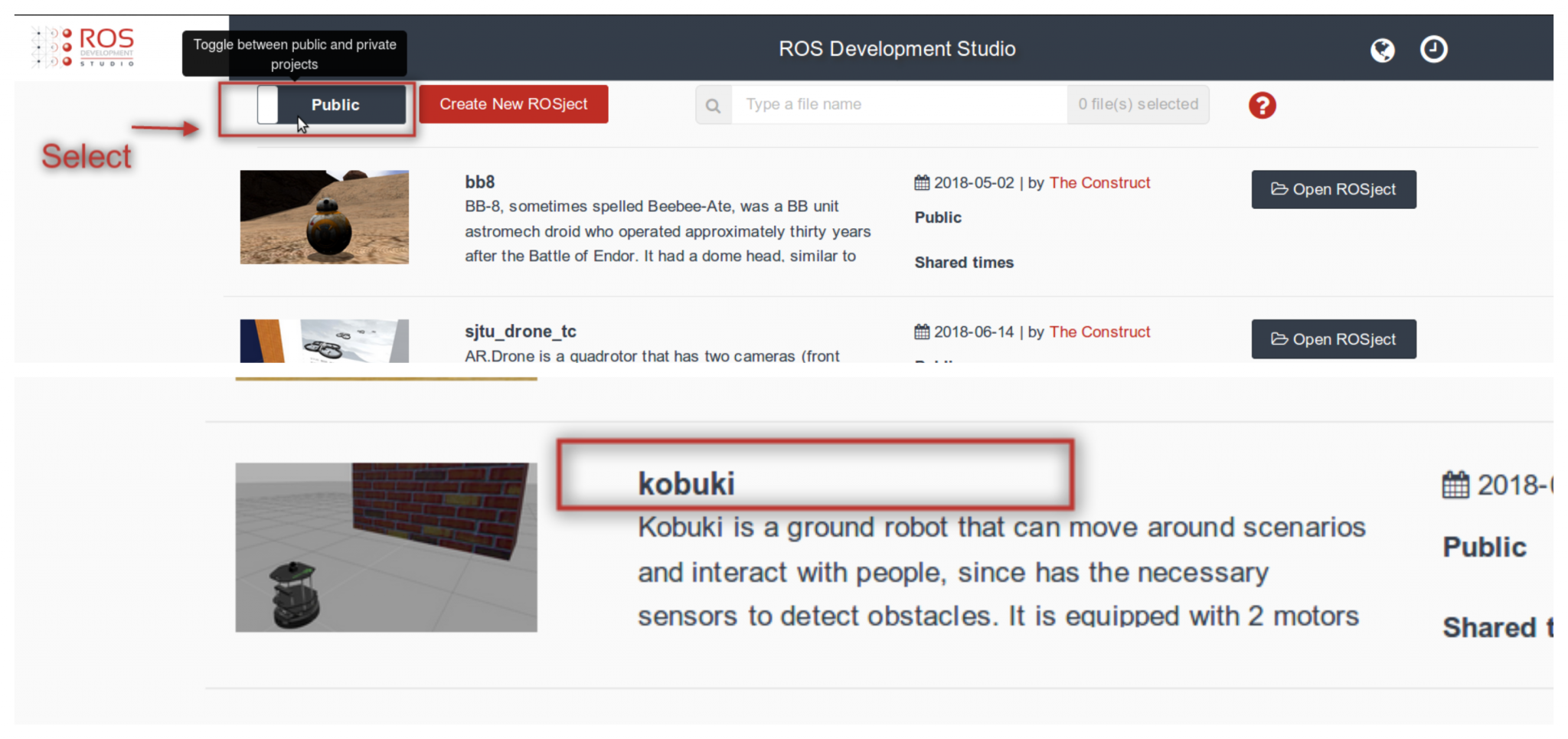
Once you have an account, you can create a ROSject pressing the button that is shown once you login. Once the ROSject is created, you can open it. At this moment you should have a web Desktop. Now you just need to open a Web Shell and run the commands below.
Step 2. Create a ROS package
We create a package to start to reproduce the problem in it.
$ cd ~/catkin_ws/src
$ catkin_create_pkg my_folder_msgs
The user had a problem with the custom messages, we can create it with the following steps.
$ cd my_folder_msgs
$ mkdir msg
$ touch msg/my_file.msg
Then we put a test message into the my_file.msg file with the following code.
float32 rosds
As a test, we create a python file called question.py under the my_folder_msgs/src directory with the following commands:
After having created the question.py file, we add the following content to it
#! /usr/bin/env python
from my_folder_msgs.msg import my_file as My_fileMsg
print '\n\nYes, it worked!!!'
If we execute the file now with the python question.py command we got the same error as the question.
ImportError: No module named my_folder_msgs.msg
Step 3. Compile messages
It turns out you have to compile your message before you can use it in the package.
You have to compile your message. For that, you have to touch the package.xml and CMakeLists.txt located on ~/catkin_ws/src/my_folder_msgs. The original file generate by ROS actually contains the lines you need but comment out. You just have to remove the comment to use it. In package.xml remove the comments before the line <build_depend>message_generation</build_depend> and <exec_depend>message_runtime</exec_depend> . In the CMakeLists.txt, you have to add message_generation and std_msgs into the find_package(), so it becomes find_package(catkin REQUIRED message_generation std_msgs). After that you have to uncomment the add_message_files() part and add my_file.msg in it and finally uncomment the generate_messages() part. After preparing the package.xml and CMakeLists.txt, you run catkin_make on your catkin_ws with cd ~/catkin_ws; catkin_make
After the message is compiled, you have to source the setup.bash like: ource ~/catkin_ws/devel/setup.bash
Now you can import your messages without any problem:
cd ~/catkin_ws/src/my_folder_msgs/src;
python question.py
Take away today:
In order to use your customized message, remember to compile and source it before you import it into another file.
Please, remember to subscribe to our channel on YouTube and press the bell if you to be notified of new videos we publish. Additionally, feel free to leave your thoughts on the commends section of the video (https://www.youtube.com/watch?v=NKeebwRNvv8).
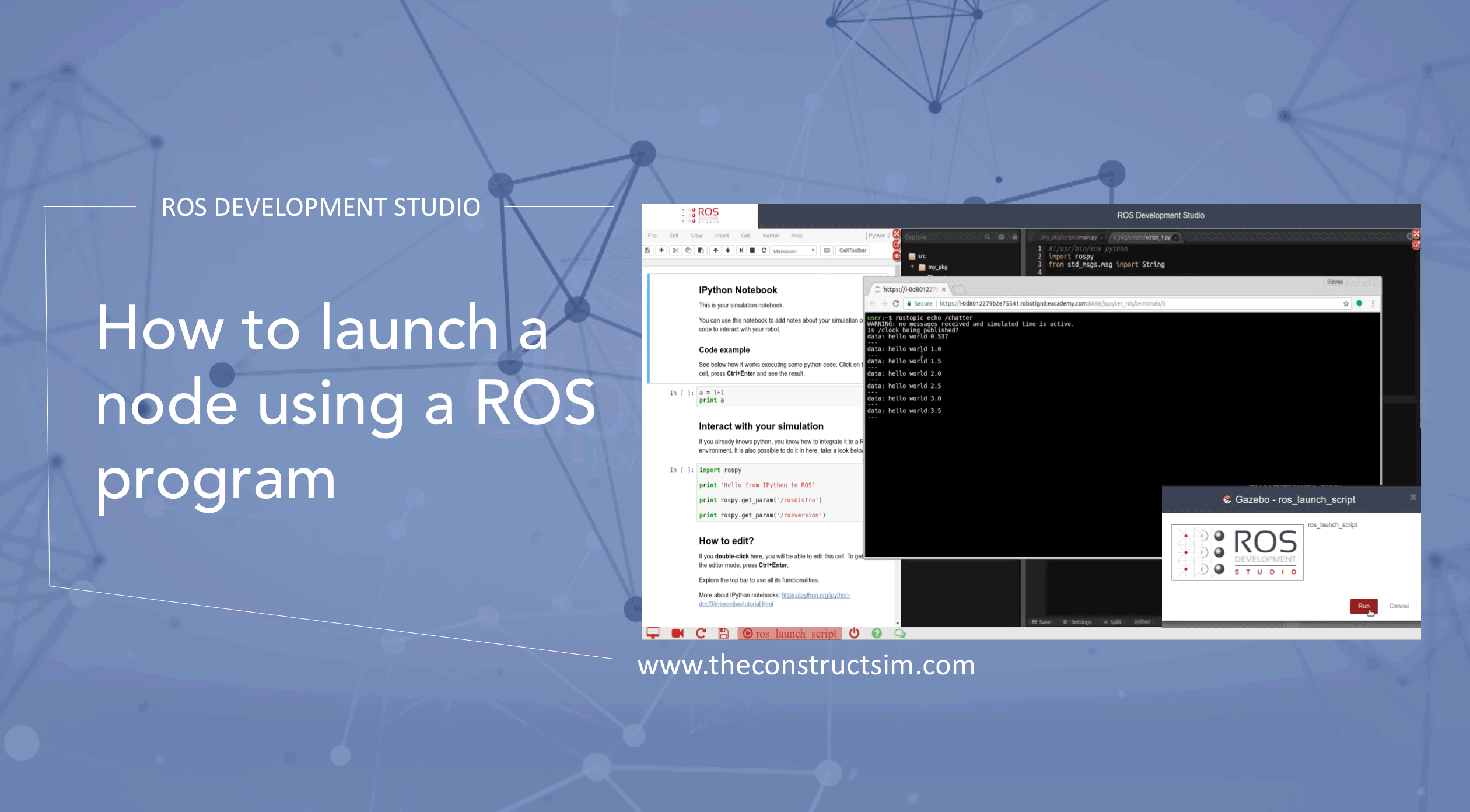
In this video, we show how you can launch a node using another node. That’s a way of automatizing some tasks, instead of starting everything manually, you can program it!