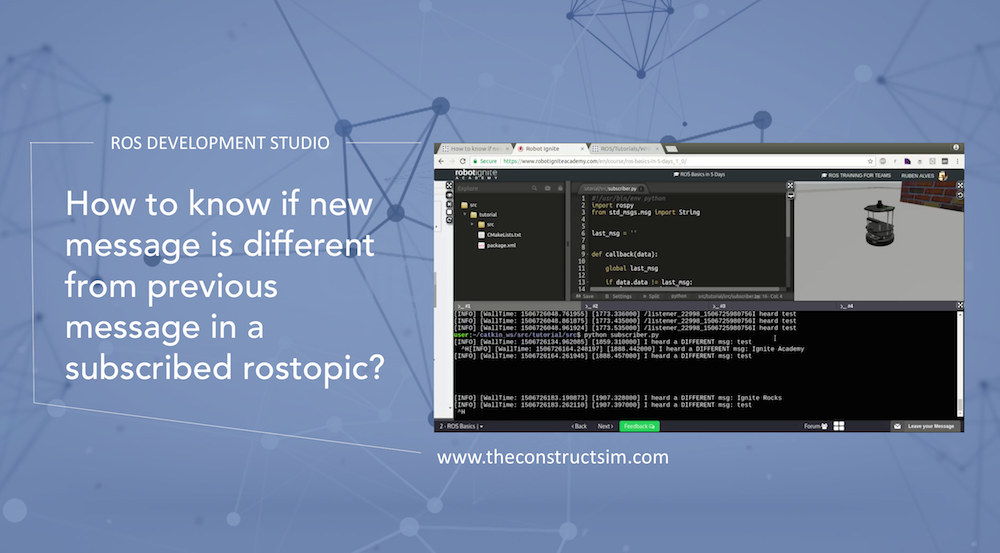
when working with ROS, on almost 99% of the cases we use ROS Topics. There are some scenarios where we only can “do something” when a message published on a topic is different from a previous message.
In this video we show how to solve this by answering a real question.
The real question that we answer can be found on the following link:
The angle_min and angle_max indicate the angle range(from -90 to 90 degree in this case) that the LaserScan is measuring and the ranges is an array which gives you the distance measured for each angle bin.
To explore the range value, let’s create a package.
$ cd ~/catkin_ws/src
$ catkin_create_pkg laser_values rospy
$ cd laser_values
$ mkdir launch
Add a python script under src with the following code
#! /usr/bin/env python

import rospy
from sensor_msgs.msg import LaserScan

def callback(msg):
    print len(msg.ranges)

rospy.init_node('scan_values')
sub = rospy.Subscriber('/kobuki/laser/scan', LaserScan, callback)
rospy.spin()
Normally, you’ll need to give the script permission to execute with
$ chmod +x src/scan.py
Then we create a launch file under lunch directory to launch the script
to launch the script. You should also see that the length of the ranges array is 720 in the 180-degree range. So if we want to read the LaserScan data on the left, in front and on the right of the robot, we can change our script a bit.
...
def callback(msg):
    # values at 0 degree
    print msg.ranges[0]
    # values at 90 degree
    print msg.ranges[360]
    # values at 180 degree
    print msg.ranges[719]
...
That’s all now you get the value. You can play with it to navigate the robot.
We are setting up the packages using the ROS Development Studio (rds.theconstructsim.com). No installation required. Just a couple of git clone, a catkin_make compilation and a source, and you are done. And the best thing, it will work for all of you because it does not depend of your computer configuration. You can even do that with a Mac (like in the video).
![[ROS Q&A] 031 – How to read LaserScan data (ROS python)](https://www.theconstruct.ai/wp-content/uploads/2017/09/How-to-read-LaserScan-data-ros-python.png)