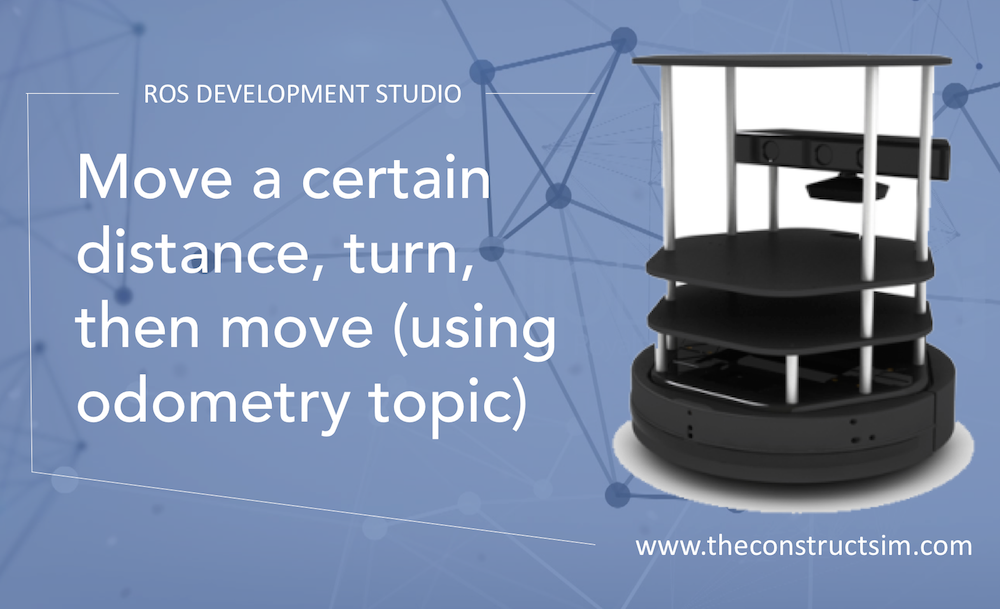
In a quick approach to make a robot move, we can start using some determined points or behaviors. In this post, we are going to test a simple algorithm that makes Turtlebot 2 performs a movement in a straight line, turn right and go straight again. In order to achieve a given point, we are going to use the Odometry, so the robot can localize itself while moves.
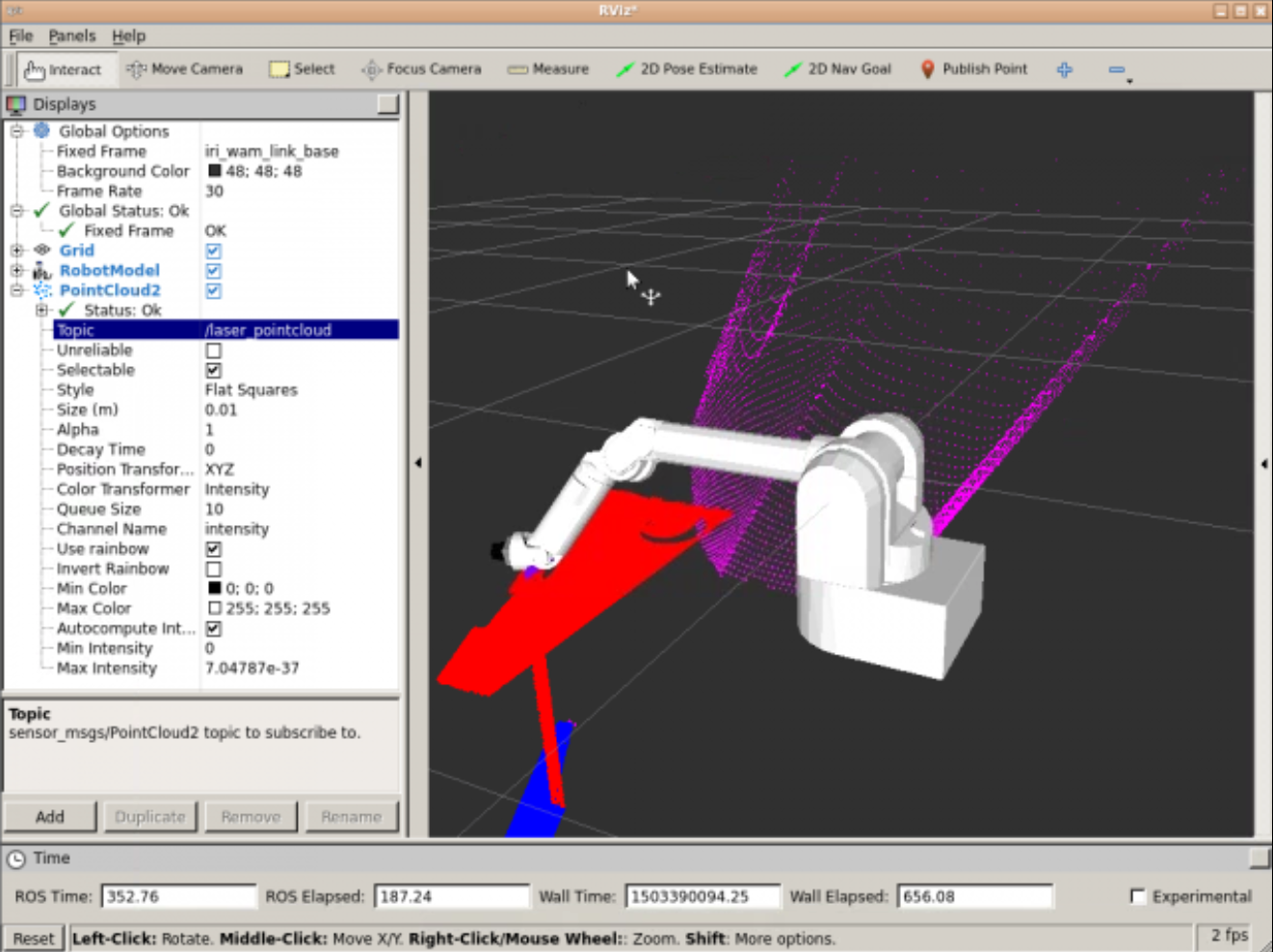
I have been playing around with the laser_assembler ROS package and managed to make it work for assembling several laser scans into a single point cloud, and publish that point cloud on a topic.
What I have done is the following:
1- I created a package that will handle all the logic
2- On the launch file of that package, I launch the laser_assembler properly configured and my own node
3- My node subscribes to the service of the laser_assembler that provides point clouds
4- Then it calls the service, gets the response, and then publishes on a topic as a single PointCloud2 message
Using Python to do the conversion simplifies a lot. Let’s see how to do that using the laser_geometry package.
First, you need to launch the laser_geometry package from a launch file, properly configured. Here a suggested launch file:
That file launches the laser_geometry package indicating that the frame from which the transform will be done is the my_robot_link_base (that is whatever tf link of your robot you want the point cloud to be refered from). Another parameter is the max_scans which indicates the max number of last scans that will be take into account for the computation of the point cloud ( this is useful in case your laser is rotating, so you can generate a full 3D cloud).
The launch file above also launches a second node that is the one you have to create to get the data and publish it into your selected topic. What should be the code of such a node? Check the following:
The code shows how to subscribe to the assemble_scans2 service. That is the one that will provide the point cloud on its answer. The code also shows that the point cloud will be published on a topic of type PoinCloud2. basically, the while loop what it does is, first, call to the service, then publish the answer of the service into a topic.
I have created a video describing step by step and code solution. In case you are interested, you can find it below
This post was created as an answer to the following question in ROS Answers Forum: Laserscan to PointCloud
There you will find all the code that we could post. Hope it was useful. Any questions just post them in the comments section or in the Gazebo Answers thread.
In the last years, unit testing has become more popular in a lot of programming languages. It’s a very useful practice to any kind of program or project. The problem is “How do I start testing?”. If you have already a project that has not being tested from it’s beginning, it becomes hard to start, but not impossible!
Unit testing requires some practices from the developer. If you want to follow the TDD (Test Driven Development), you have to create your tests before coding the logic of your functions and methods. Unit testing is a way to test small parts of a project, in order to help you integrating all of them, or even understand why the whole project is not working the way you expected.
In this post, you’ll see a simple example of unit testing using C++, for a very simple ROS Package. The logic itself is not meaningful in a robotic application, but the configuration of the class and the unit testing is valuable for using in other projects. So, let’s start!
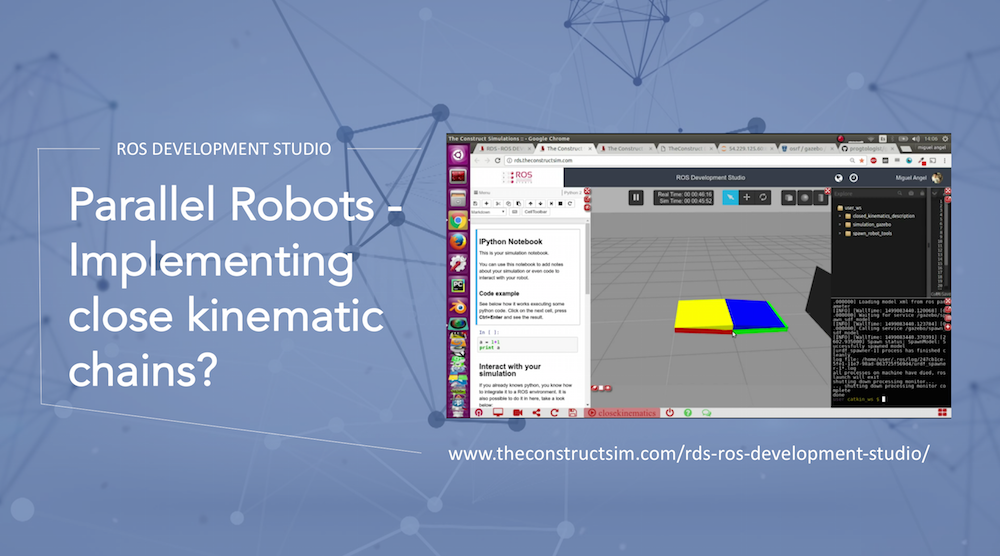
Creating robots with Closed Kinematics structures in URDF is not supported. Thats why we have to use SDF format to be able to create them. Here is a micro-tutorial on how to create a simple closed box example in RDS: https://www.theconstruct.ai/rds-ro…. You will also learn how to move it through the gzclient applying torques to the joints. Thank you to https://github.com/progtologist/gazeb… because it was very useful to get this simple example working.
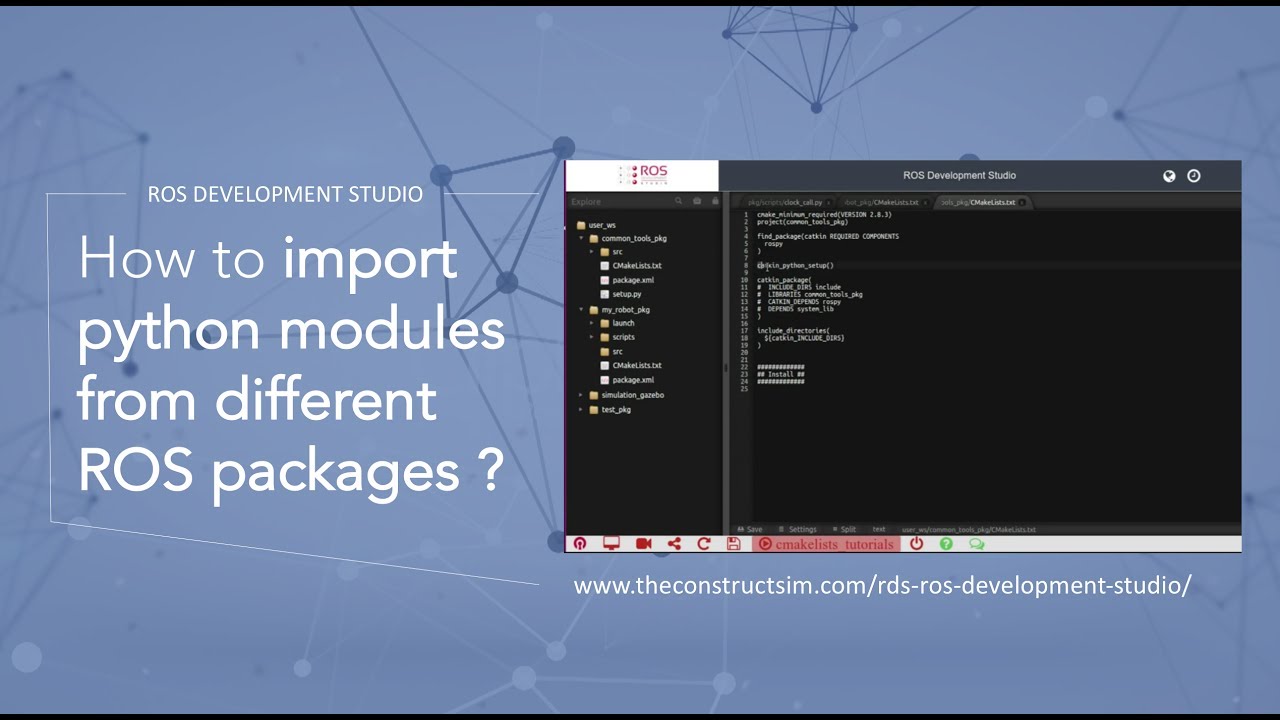
Learn how to import python modules from other packages and make them available for all the system. Also learn how to correctly install python scripts and modules.