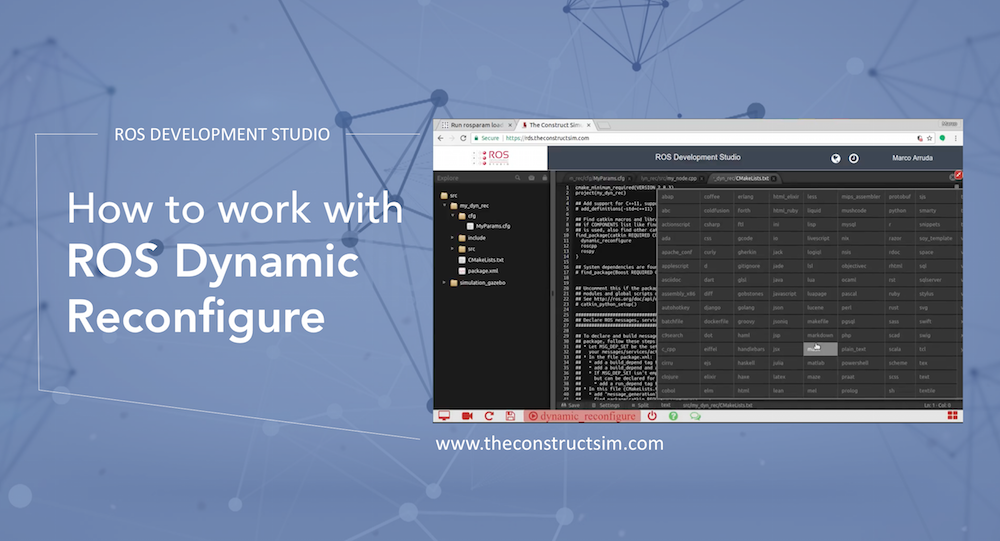
ROS Q&A | How to work with ROS Dynamic Reconfigure
In this video answer, we explain how to work with dynamic reconfigure library, in order to have parameters updated in real time in ROS.
In this video answer, we explain how to work with dynamic reconfigure library, in order to have parameters updated in real time in ROS.
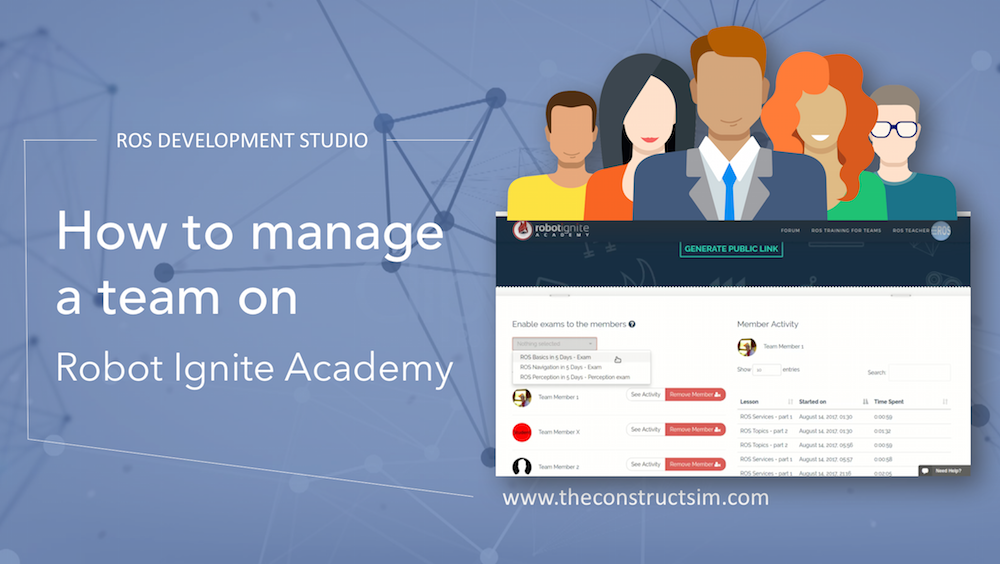
Are you a ROS Teacher and don’t know how to manage your team of students? In this video we show you how to manage it on Robot Ignite Academy.
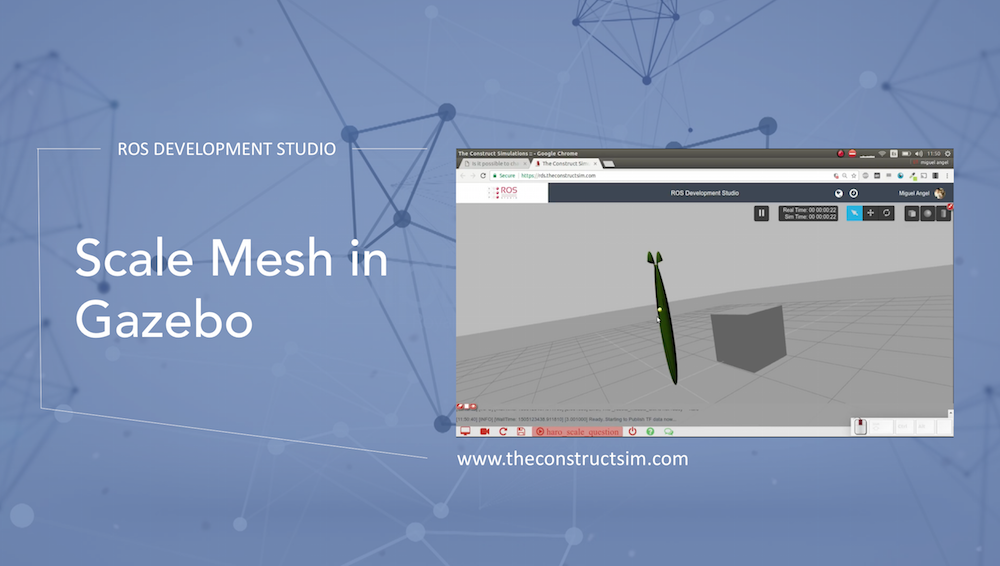
Here you have a small example of how to use the scale variable in the mesh tag to scale 3D models. Here you have the answer in Gazebo Answers: http://answers.gazebosim.org/question…
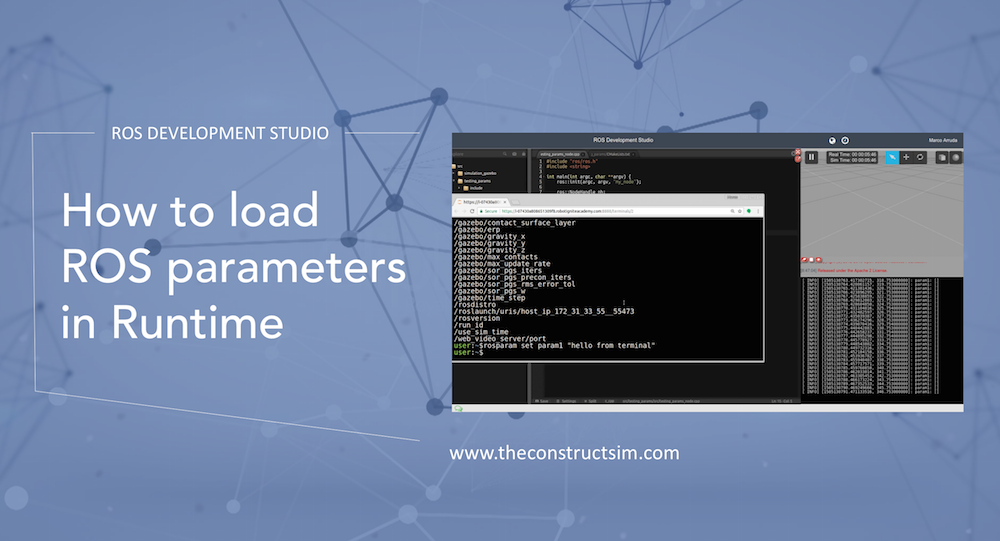
In this video, we are showing how to get the updated values of a parameter in runtime.
We can do any ROS development we want easily, without setting up environment locally in ROSDS and that’s the reason why we will use ROSDS for this tutorial. If you haven’t had an account yet. You can create one here for free now. After logging in, let’s begin our journey by clicking on the create new project and call it test_parameter_server.
Now, let’s create a new package for testing with the following command
cd ~/catkin_ws/src
catkin_create_pkg testing_params roscpp
Then we create a new file called testing_params_node.cpp under /tesing_params/src with copying and pasting the following code.
#include "ros/ros.h"
#include <string>

int main(int argc, char **argv) {
  ros::init(argc,argv,"my_node");

  ros::NodeHandle nh;

  ros::Rate rate(1);

  std::string param1;

  if(nh.getParam("param1",param1)) {
    ROS_INFO("param ok!");
  }

  while(ros::ok) {
    ROS_INFO("param1: [%s]" , param1.c_str());

    ros::spinOnce();

    rate.sleep();
  }

  return 0;
}
To compile the code, we’ll uncomment these two parts in /testing_params/CMakeLists.txt
...
add_executable(${PROJECT_NAME}_node src/testing_params_node.cpp)
...
target_link_libraries(${PROJECT_NAME}_node
  ${catkin_LIBRARIES}
)
...
Then we run the following command under catkin_ws to compile the code.
cd ~/catkin_ws
catkin_make
source devel/setup.bash
After compile, you can run the node with rosrun testing_params testing params_node
NOTICE: We no longer run ROS master for you in the backend, please launch it with the command roscore in a new terminal.
You should get param1: [] as output since we haven’t assigned any value to it yet.
Let’s assign a value to param1 by typing this command in a new terminal.
rosparam set param1 "hello from terminal"
However, the output is still []. If we check it with the command rosparam get param1 , you can see the value is “hello from terminal”.
To update it, we have to add one line in the testing_params_node.cpp then compile and run again.
...
  while(ros::ok){
    nh.getParam("param1",param1); //Add this line
...
Now the output gets updated whenever you change the parameters.
You can also create a params.yaml file under /testing_params/ to assign the parameters. For example:
param1: "hello from file!"
Then you have to run rosparam load params.yaml to load the parameter.
Edit by Tony Huang
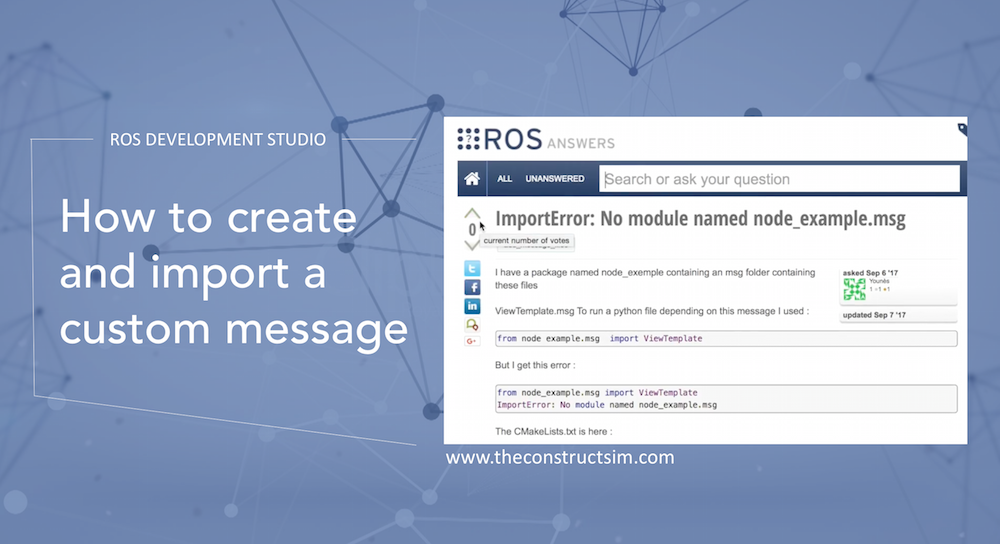
How to create and use a custom message, importing it into a Python script. Here you have the video response to the question in ROSAnswers: https://answers.ros.org/question/270324/importerror-no-module-named-node_examplemsg/

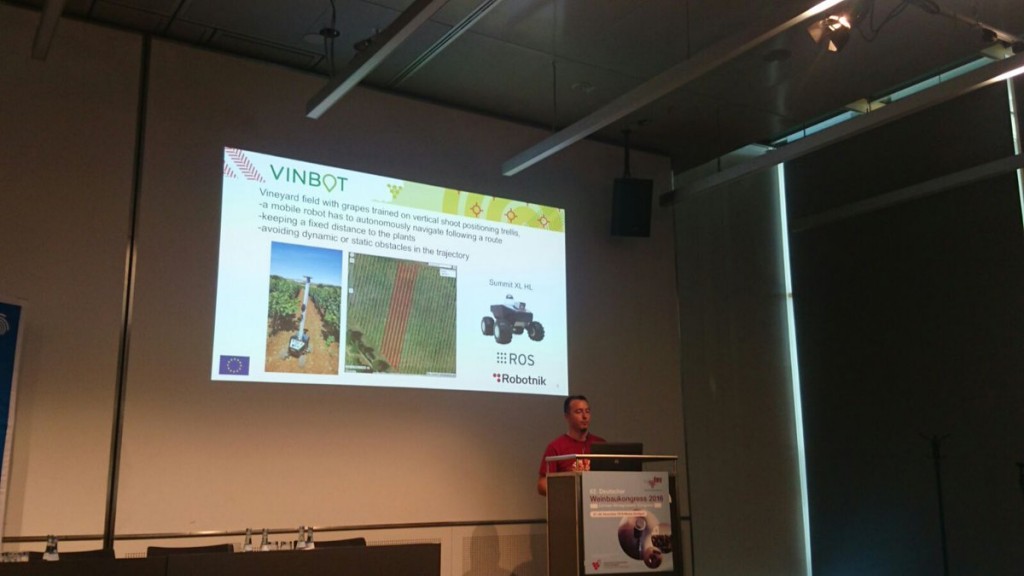
Robotnik is a company that sells service robots and robot applications. Main products include mobile bases of different types and mobile manipulators, all of them working under the ROS framework. They are also the creators of ROS Components, a shop that sells robot parts which are certified to work with ROS off-the-shelf (ROS plug-and-play).
As you may understand, Robotnik engineers spend a lot of time developing ROS based software. Sometimes, their engineers need to gather more knowledge about a specific ROS subject. Sometimes the team needs to incorporate more engineers with ROS knowledge.
In order to speed things up, since July 2017 Robotnik decided to use Robot Ignite Academy to train their teams in ROS, specially the newly incorporated engineers that have no prior knowledge of ROS.
We spoke to Román Navarro, CTO of the company, and Alex and David, the two latest interns, about their experience learning ROS fast using Robot Ignite Academy.
ROMAN: At present, there are two people, the interns Alex and David. Our goal was that they learnt ROS very fast with a smooth learning curve, and, specially, that they do not take time from the other engineers while learning, so we do not waste time of our engineers in teaching them and resolving their doubts. We though that Robot Ignite Academy was the perfect tool for this purpose.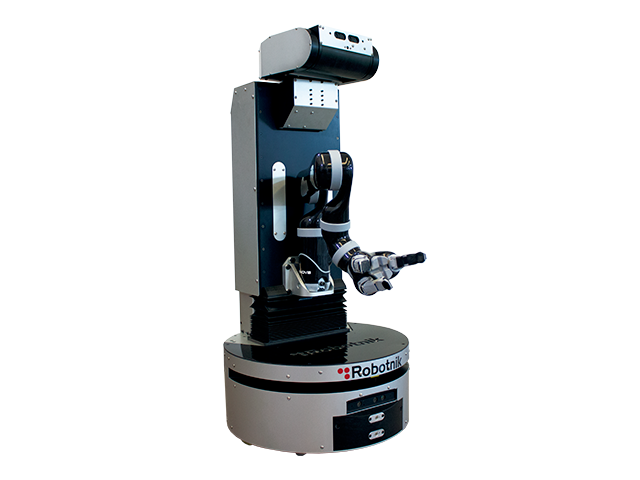
ROMAN: Internet ROS tutorials in general are an excellent material once you know what to look for. One of the drawbacks of those tutorials is that they are not structured like a progressive course, but instead, as a series of scattered material, each one around a central concept. ROS tutorials are excellent tools for learning how a specific package or tool can be used, but it requires that you know already about ROS. If you don’t have prior knowledge of ROS you may have a tough time understanding it.
ALEX: What happened to us is that, once we learnt at the Robot Ignite Academy how ROS works we were able to go to the ROS official tutorials and clearly understand what they meant, and use them as a reference.
ALEX and DAVID: ROS Basics in 5 days, ROS navigation in 5 days and TF ROS 101.
ROMAN: Alex and David are ending their Computer Science degree. We would like to incorporate them into our software department. And for that it is essential that they know ROS, and I would say that they need to have a solid knowledge of it.
ALEX and DAVID: No, we had no idea about it.
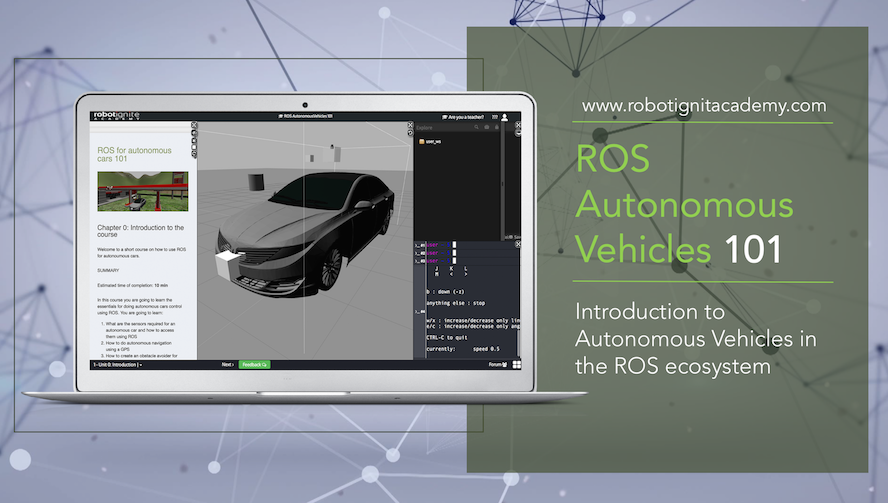
ALEX: Well, we do not know about the experience of using the official tutorials, because we went straight into the Academy. So by using the Academy, we found the learning curve quite smooth. It was very helpful that the learning was structured step by step towards achieving a goal. Also, you cannot go to the next step unless you have done the exercises before, because each step builds on the previous.
DAVID: The videos available, besides the tutorials, help to clarify the concepts. In my case, sometimes I got stuck into some concepts explained in the text. Then I switched to the videos and found easier to understand.
ROMAN: Additionally, we found that the courses of the Academy are very interesting not only for the beginners but also to proficient ROS engineers. Sometimes we have one of our expert engineers that need to refresh some concepts or need to learn an advanced subject that he did not have. For that purpose, the Ignite courses were very useful.
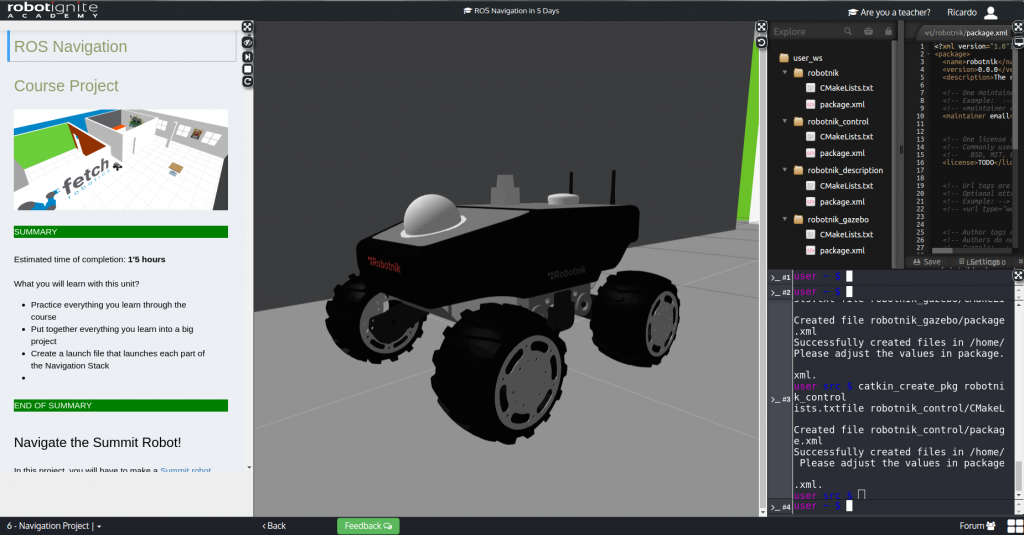
DAVID: Well, we started in the morning and continued through the day trying to follow the schedule you propose in the Academy. By dedicating full days to training, we achieved to do the ROS Basics in 5 days and the ROS Navigation in 5 days, in a little bit more of two weeks. By that moment, we were able to start doing jobs at Robotnik, creating and modifying ROS packages.
ROMAN: Yes that is right, because after those two weeks, we were able to send them works. At the end, with less time, we obtained better results than reading books or tutorials. The Academy approach is a more dynamic way of learning, because you combine the tutorials with the environment to develop and test the programs, everything online. This makes a fast learning experience because you can practice and see results on the spot.
ALEX: We created a package to control an arm robot based on Dynamixel servos. We worked on how to set them up and how to control the servos through par control.
DAVID: We also changed the information published through Diagnostics and changed it to be published into topics for easier later use by other nodes.
ROMAN: Since they are beginners, we are putting them now more in the configuration side, and in contact with the hardware and the electronics. ROS is only one part of the robotics picture (the programming side) and we need them to know them all.
ALEX: In each chapter you show at the beginning what one will be able to do at the end of the chapter. Then you teach step by step how, and by the end we are able to do it and see the result on the simulated robot. This motivates us a lot to continue and try to do the next chapter.
DAVID: I liked the step-by-step guide towards achieving the robot to do something. The course is very well guided so we do not get lost in the wild of the full scope of ROS.
ALEX: Well the TF course was a little difficult to follow. We do not know what exactly was but we found it complex.
DAVID: For the exercises that you propose, since you do not provide the solution in order for us to find it, you may include some buttons that provide help when the student is stuck. This button can show hints, based on the recurrent questions that you may always have related to those exercises.
ROBOT IGNITE ACADEMY: That is actually a very good idea! We are definitely going to implement that in the platform!
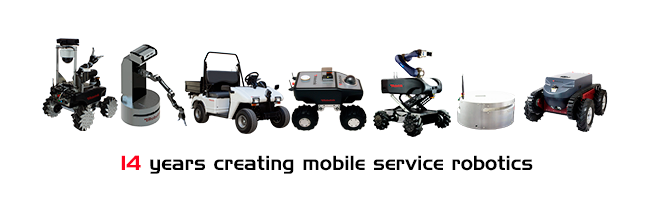
Thanks a lot for your time Roman, David and Alex. We wish you 14 years more of successful service robots based on ROS.
And in case you are a company that needs to have people trained in ROS, try Robot Ignite Academy. No installation required. Any type of computer. Step by step online tutorials with simulation and development environment integrated. Give it a try and let us know what you think. This is at present, the fastest and easiest way to learn ROS.