Pan & Tilt Real Robot Connection Face Tracking

Pan & Tilt Real Robot Connection Face Tracking

About

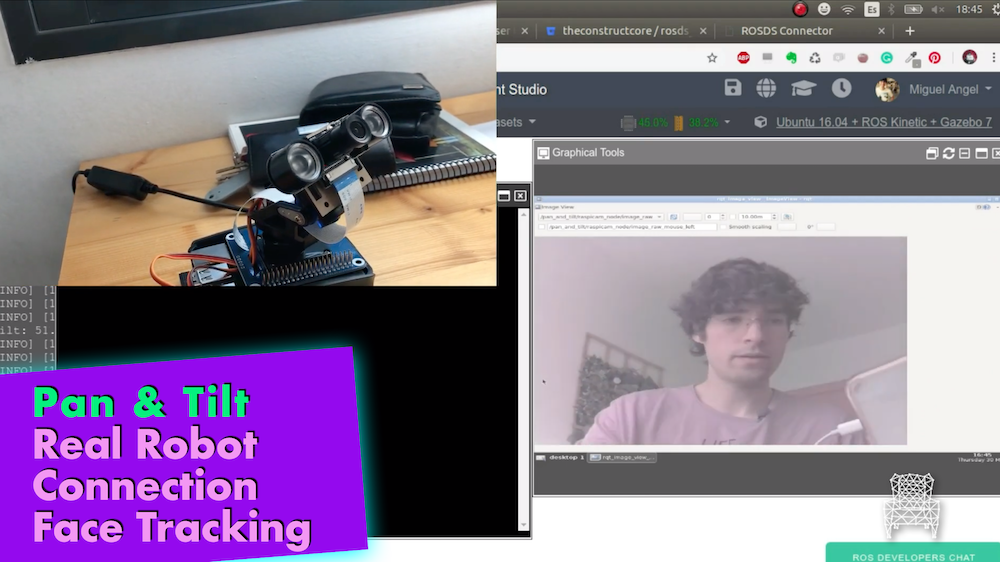
In this video you will learn:

  • How to connect to the real robot through ROS Development Studio
  • How to execute the face tracking script for the real robot to track your own face.

List of materials

Related courses & tutorials

3D Models

[irp posts=”13312″ name=”Pan & Tilt Face Tracking in ROS”]

Pan & Tilt Face Tracking in ROS

Pan & Tilt Face Tracking in ROS

About

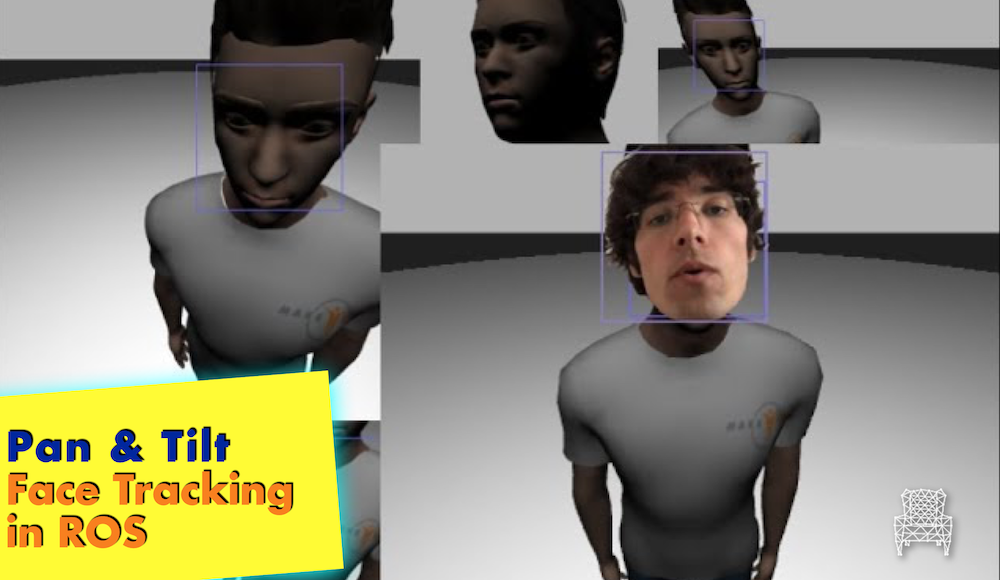
Do you want to do a face tracking Pan & Tilt system with ROS? This is the tutorial for you! This video will show you how to do a face tracking system using ROS and all the system we generated in the previous videos.

We will learn:

  • How to integrate icog_face_tracker package in ROS
  • How to use face tracking data to do a simple face tracker for a Pan &  Tilt

List of materials

Related courses & tutorials

3D Models

[irp posts=”13228″ name=”Pan & Tilt Gazebo Simulation”]

Pan & Tilt Gazebo Simulation

Pan & Tilt Gazebo Simulation

About

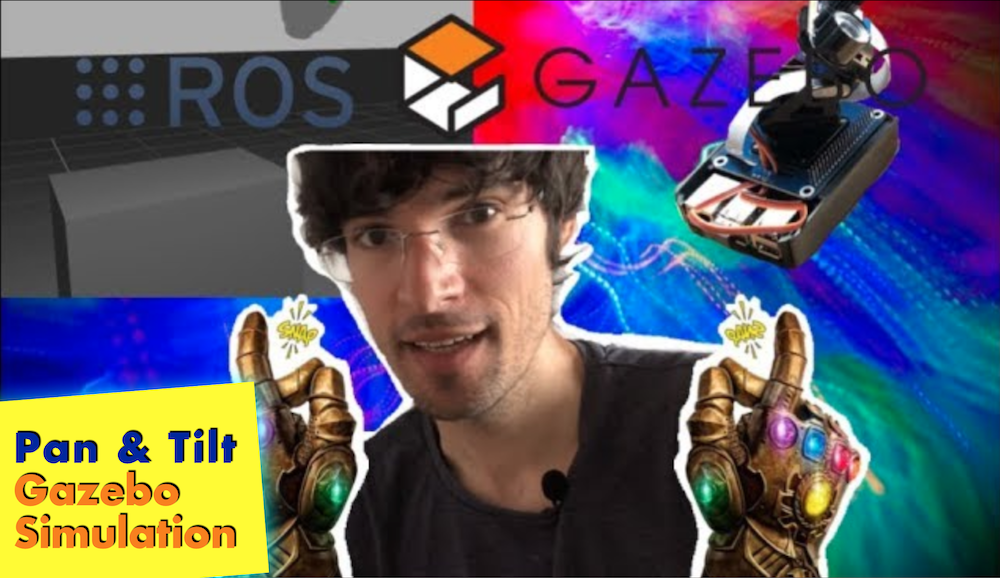
In this video you will learn:

  • How to create a Pan & Tilt Gazebo simulation
  • How to connect it to previous real robot server

List of materials

Related courses & tutorials

3D Models

#PanAndTilt #Pan&Tilt #Simulation #Gazebo #Robot #rostutorials #Ubuntu

[irp posts=”13154″ name=”Create ROS Server to Access Pan & Tilt”]

Create ROS Server to Access Pan & Tilt

Create ROS Server to Access Pan & Tilt

About

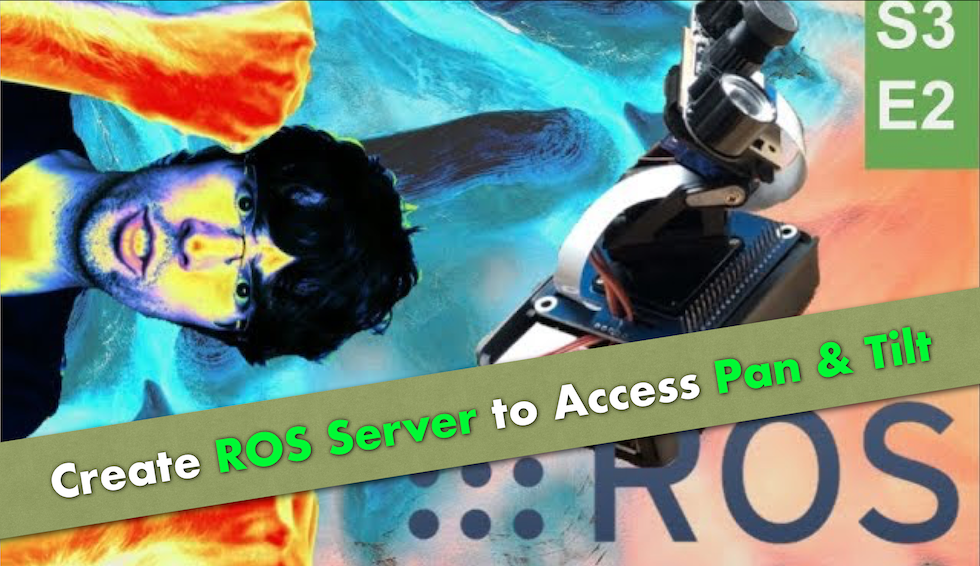
Learn how to create a ROS node server and some custom messages to access the real Pan & Tilt. This way any ROS program will be able to access the Pan & Tilt and will serve as the base for creating a simulation in the next video.

Git of Pan And Tilt Project

List of materials

Related courses & tutorials

3D Models

[Morpheus Chair] Pan & Tilt with Raspberry Pi and ROS | S3.Ep.1

[Morpheus Chair] Pan & Tilt with Raspberry Pi and ROS | S3.Ep.1

About

In this video, you are going to learn how to set up your raspberry pi to use the Pan & Tilt Hat created by WaveShare.
We will create a python class to move the two servos and test all its functionality.

Remember to leave a message of love to ANKI 😉 with the Hashtag #WeLoveYouANKI

List of materials

Related courses & tutorials

3D Models

[Morpheus Chair] Vector ROSDS CloudConnection | T2.Ep.4

[Morpheus Chair] Vector ROSDS CloudConnection | T2.Ep.4

About:
In this video, you are going to learn how to connect to the real Vector ROBOT through ROSDS using the real robot connection tools. You will also use a docker created by betaB0t to connect to VECTOR.

Commands to launch the docker in your local PC:

sudo docker run -e ANKI_USER_EMAIL=(EMAIL) -e ANKI_USER_PASSWORD=(PASSWORD) -e VECTOR_IP=(VECTOR_IP) -e VECTOR_SERIAL=(VECTOR_SERIAL) -e VECTOR_NAME=(VECTOR_NAME) –network host -e ROS_IPV6=on -e ROS_HOSTNAME=(NAME_OF_YOUR_DEVICE) -e ROS_MASTER_URI=http://master:11311 –add-host master:::1 –add-host (NAME_OF_YOUR_DEVICE):::1 -it betab0t/vector-ros-driver

If you don’t know the VECTRO related values, please have a look at the first video where we connected directly to VECTOR:

———————————————————————–
ROSject with Simulation and code Plug and Play:
http://www.rosject.io/l/908ce19/

Git from BetaB0t for Vector_ROS Package:

Git for the Real Robot Connection Setup:
https://bitbucket.org/theconstructcore/rosds_real_robot_connection/src/master/

Git of Vector and Cozmo Simulation:
https://bitbucket.org/theconstructcore/cozmo_simulation/src/master/

Install SDK in ALL OS:
https://developer.anki.com/vector/docs/initial.html

VECTOR API:
https://developer.anki.com/vector/docs/api.html

———————————————————————–

Here you can find the list of materials that you will need for this session:
Vector Robot: https://www.amazon.es/Anki-000-0079-Vector/dp/B078T42JCM
Vector Robot Playing Space ( recommended to avoid any problems with flying Vectors :P): https://www.amazon.es/Anki-000-0078-Habitat-Vector-Space/dp/B07G3QSX8G

———————————————————————————
Music:
Original Track:https://youtu.be/FBv6rm1lY0w
Thanks to NewRetroWave for letting us use their music.
Here more info:

New Retro Wave + Bachelor of Hearts Aurora Borealis

Smooth vibes for you retro soul. Listen and enjoy.
OUT NOW on NRW Records:
https://newretrowave.bandcamp.com/album/a-cosmic-funk-odyssey-ep
iTunes: http://apple.co/2r6N1T7

Support:

https://www.facebook.com/BachelorOfHeartsmusic/

Artwork provided by Murryous, who is our featured artist for May. Please support him:
https://www.instagram.com/murryous/

———————————————————————————

3D Models:
Orange Robot:
https://www.blendswap.com/blends/view/77718

Sphere Robot:
https://www.blendswap.com/blends/view/80818

Robot Parts:
https://www.blendswap.com/blends/view/78357

Mars Lander:
https://www.blendswap.com/blends/view/81264

#VECTOR #COZMO #ANKI #ROS #Robot #rostutorials #simulation to real

Pin It on Pinterest