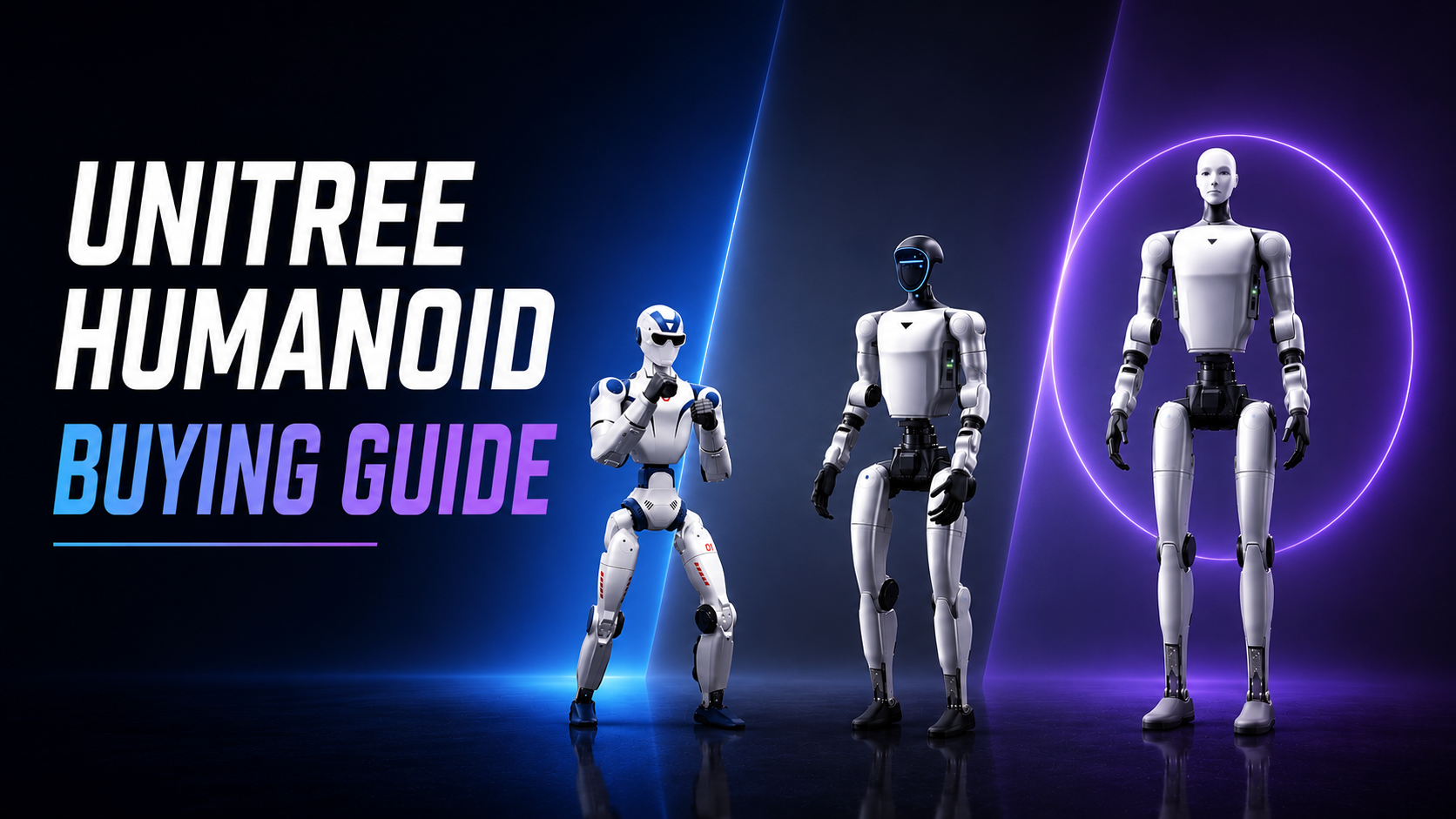

Over the past year, Unitree Robotics has become one of the biggest names in humanoid robotics.
We’ve seen its robots perform kung fu, backflips, parkour, and increasingly sophisticated whole-body movements that seemed impossible only a short time ago. At the same time, Unitree has expanded its humanoid lineup, introducing robots aimed at everyone from hobbyists to AI researchers and industrial developers.
Today, buying a humanoid robot is no longer limited to large research labs. Universities, startups, companies, and even individuals can purchase one.
However, once you start looking at Unitree’s product lineup, things quickly become confusing.
There are the R1, G1, G1 EDU, H2, and then various U1, U2, U3 configurations. The naming isn’t always intuitive, and many buyers end up asking the same questions:
- Which robot is actually programmable?
- What’s the difference between the G1 and G1 EDU?
- Is the cheapest model enough?
- Which robot offers the best value for my use case?
This guide breaks down every current Unitree humanoid robot and explains which one makes the most sense depending on your goals.
cr. Unitree Robotics
At a Glance
| Model | Starting Price | Best For |
|---|---|---|
| R1 | ~$4,900 | Affordable humanoid ownership, education, demonstrations |
| R1 EDU | Higher | Developers who want to build their own applications |
| G1 Basic | ~$13,500 | Demonstrations, exhibitions, showcasing humanoid capabilities |
| G1 EDU | Varies by configuration | Robotics research, AI development, reinforcement learning |
| H2 | ~$29,900 | Industrial robotics and advanced embodied AI research |
Unitree R1: The Most Affordable Entry Point
cr. Unitree Robotics
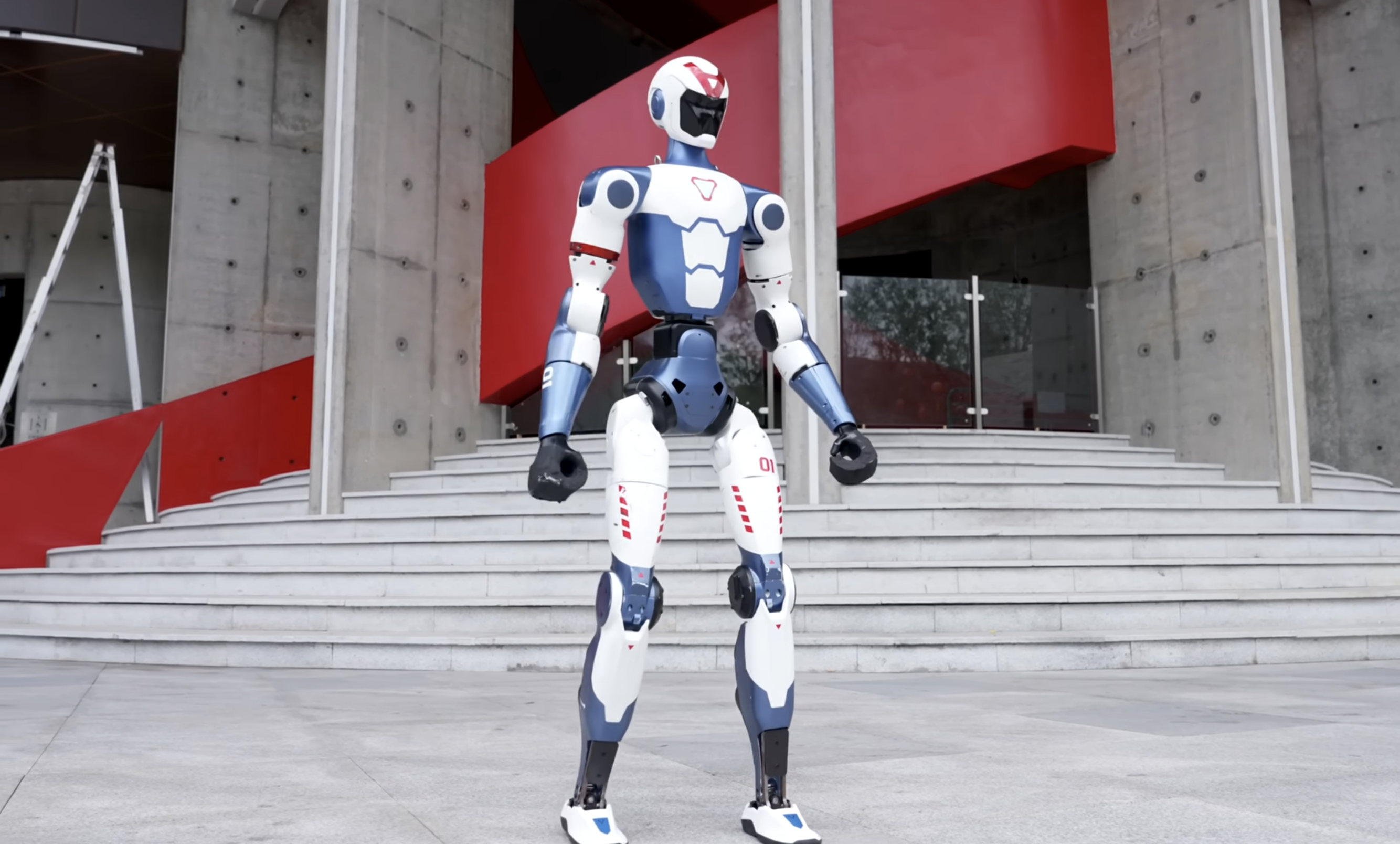
The R1 is designed to make humanoid robots accessible to a much wider audience.
With a starting price of around $4,900, it’s currently one of the least expensive commercial humanoid robots available.
Depending on the configuration, it offers between 20 and 26 degrees of freedom, along with built-in AI features such as:
- Voice interaction
- Vision capabilities
- Basic autonomous behaviors
For many buyers, this is all they need.
If your goal is to:
- own your first humanoid robot,
- demonstrate humanoid robotics,
- use it in classrooms,
- or experiment with its built-in AI capabilities,
the standard R1 is likely the most cost-effective choice.
Who should choose the R1 EDU?
Developers who want to write their own software should instead consider the R1 EDU.
Unlike the consumer version, the EDU edition supports secondary development, allowing you to build custom applications and integrate the robot into your own robotics workflows.
Unitree G1: The Most Misunderstood Robot
cr. Unitree Robotics
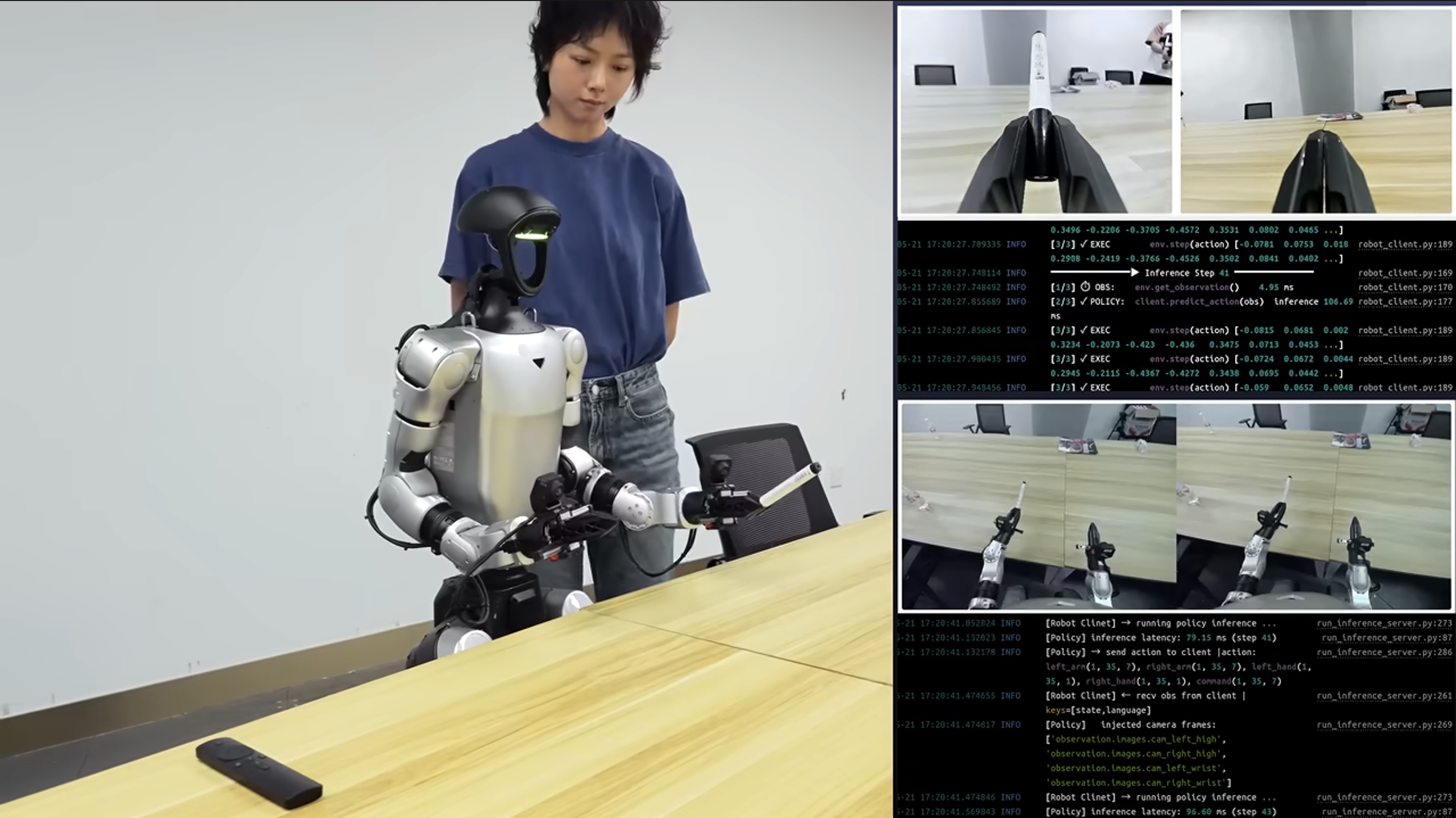
The G1 has become Unitree’s flagship humanoid and is probably the model most people have seen online.
It also happens to be the one that creates the most confusion.
The key point is simple:
The G1 Basic and the G1 EDU are designed for completely different users.
G1 Basic
Starting at around $13,500, the Basic version is not intended as a robotics development platform.
This surprises many buyers.
Although the robot demonstrates impressive walking, balancing, and dynamic motion, it doesn’t provide the level of low-level programmability that researchers typically expect.
Instead, it’s designed for:
- demonstrations
- exhibitions
- education
- public presentations
- showcasing humanoid capabilities
If your primary goal is simply to own an advanced humanoid robot that works out of the box, the Basic model is perfectly suitable.
G1 EDU: The Research Platform
If you’re planning to actually build humanoid AI, the G1 EDU is almost certainly the model you’re looking for.
The EDU version includes features required for robotics research, including:
- Full SDK
- ROS 2 support
- NVIDIA Jetson onboard computing
- Secondary development capabilities
- Reinforcement learning workflows
- Isaac Lab compatibility
- MuJoCo integration
- Robot manipulation research
- Embodied AI development
This is the version commonly used by:
- universities
- robotics laboratories
- AI startups
- research institutions
- developers building humanoid applications
What Do U1, U2, and U3 Mean?
Another common source of confusion is the naming of the G1 EDU variants.
Many people assume that U1, U2, and U3 are completely different robots.
They’re not.
Instead, they represent different hardware configurations of the same G1 EDU platform.
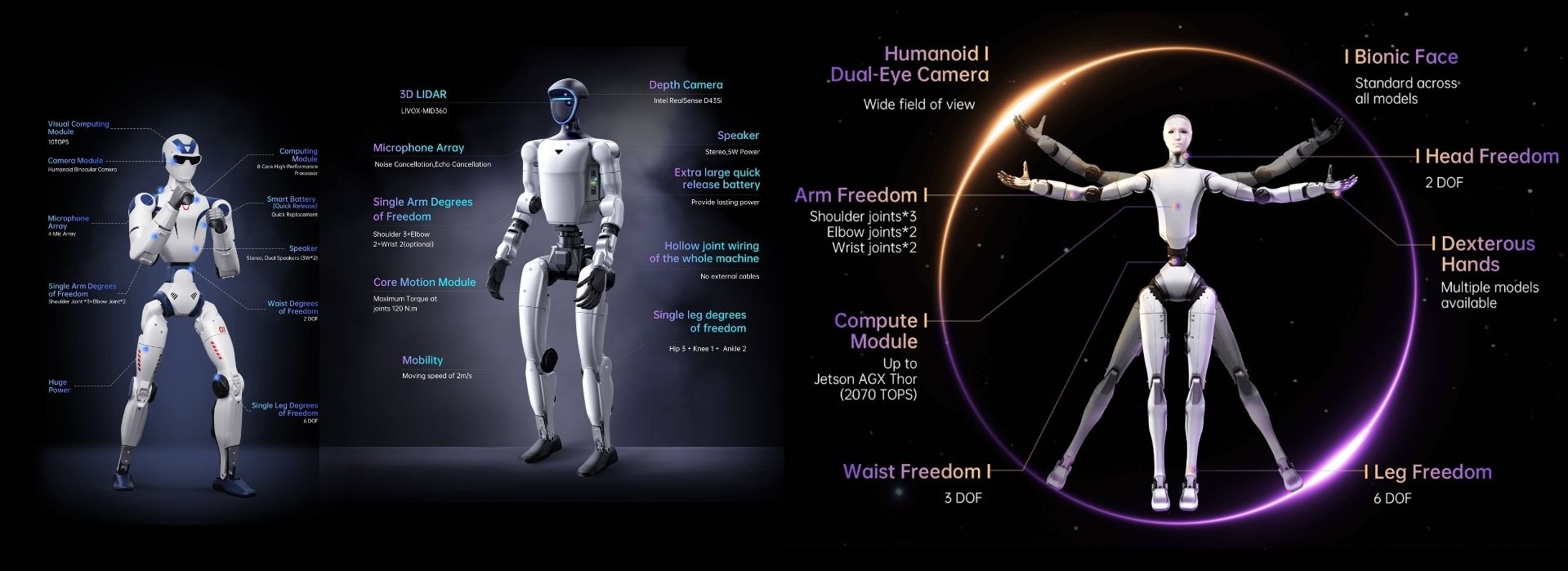
As you move up the lineup, Unitree adds features such as:
- additional degrees of freedom
- a 3-DOF waist
- dexterous robotic hands
- more capable onboard computing
- expanded sensing capabilities
Rather than thinking of them as separate robots, it’s more accurate to think of them as increasingly capable versions of the same research platform.
The right configuration depends on the complexity of your intended applications and your available budget.
Unitree H2: Built for Industrial Robotics
cr. Unitree Robotics
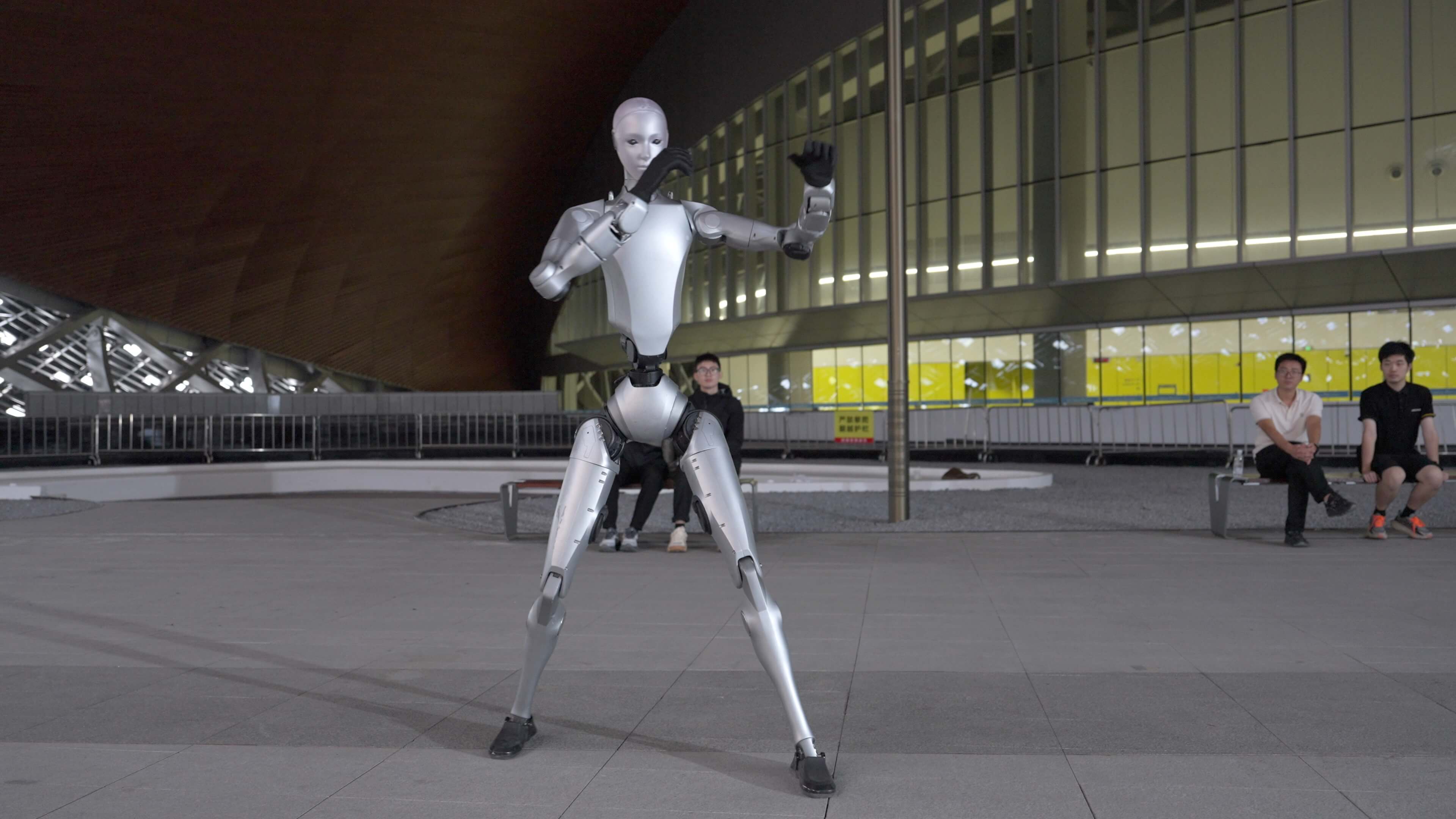
The H2 is Unitree’s full-size humanoid robot.
Standing approximately 180 cm (5 ft 11 in) tall and starting at around $29,900, it’s aimed at organizations developing real-world humanoid applications rather than educational demonstrations.
Compared with the G1, the H2 offers:
- significantly more powerful actuators
- higher payload capacity
- larger workspace
- more onboard computing
- greater suitability for industrial environments
Typical applications include:
- warehouse automation
- industrial manipulation
- logistics
- embodied AI research
- advanced locomotion research
If you’re building commercial humanoid systems, the H2 is the natural step up from the G1.
Which Unitree Robot Should You Buy?
The best choice depends less on price than on what you actually want to accomplish.
Choose the R1 if…
- You want the lowest-cost humanoid robot.
- You’re new to humanoid robotics.
- You want an educational platform or demonstration robot.
- You don’t necessarily need full research capabilities.
Choose the R1 EDU if…
- You want an affordable robot that you can program yourself.
- You’re learning robotics software development.
- You plan to build custom AI or robotics applications.
Choose the G1 Basic if…
- You want an impressive humanoid robot that works out of the box.
- Your primary use case is demonstrations, exhibitions, or education.
- You don’t need low-level software development.
Choose the G1 EDU if…
- You’re a robotics researcher.
- You use ROS 2.
- You develop reinforcement learning algorithms.
- You work with Isaac Lab or MuJoCo.
- You want a serious humanoid research platform.
For most developers and research groups, this is likely the best balance between capability and cost.
Choose the H2 if…
- You’re developing industrial humanoid applications.
- You need maximum performance.
- Your work involves warehouse automation or advanced embodied AI.
- Budget is less important than capability.
Conclusion
Unitree’s product lineup can seem confusing at first, largely because several robots share similar names while serving very different purposes.
The easiest way to think about the lineup is this:
- R1 → affordable entry-level humanoid
- R1 EDU → affordable programmable humanoid
- G1 Basic → showcase robot for demonstrations
- G1 EDU → research and AI development platform
- H2 → industrial humanoid for commercial applications
Once you understand the intended audience for each model, the naming becomes much easier to navigate.
The real question isn’t “Which Unitree robot is the best?”—it’s “Which one best matches what you’re trying to build?”
Whether you’re taking your first steps into humanoid robotics or developing the next generation of embodied AI systems, choosing the right platform from the beginning will save both time and money.
Choosing the right robot is only the first step.
If your goal is to build, program, and train humanoid robots, you’ll need much more than the hardware.
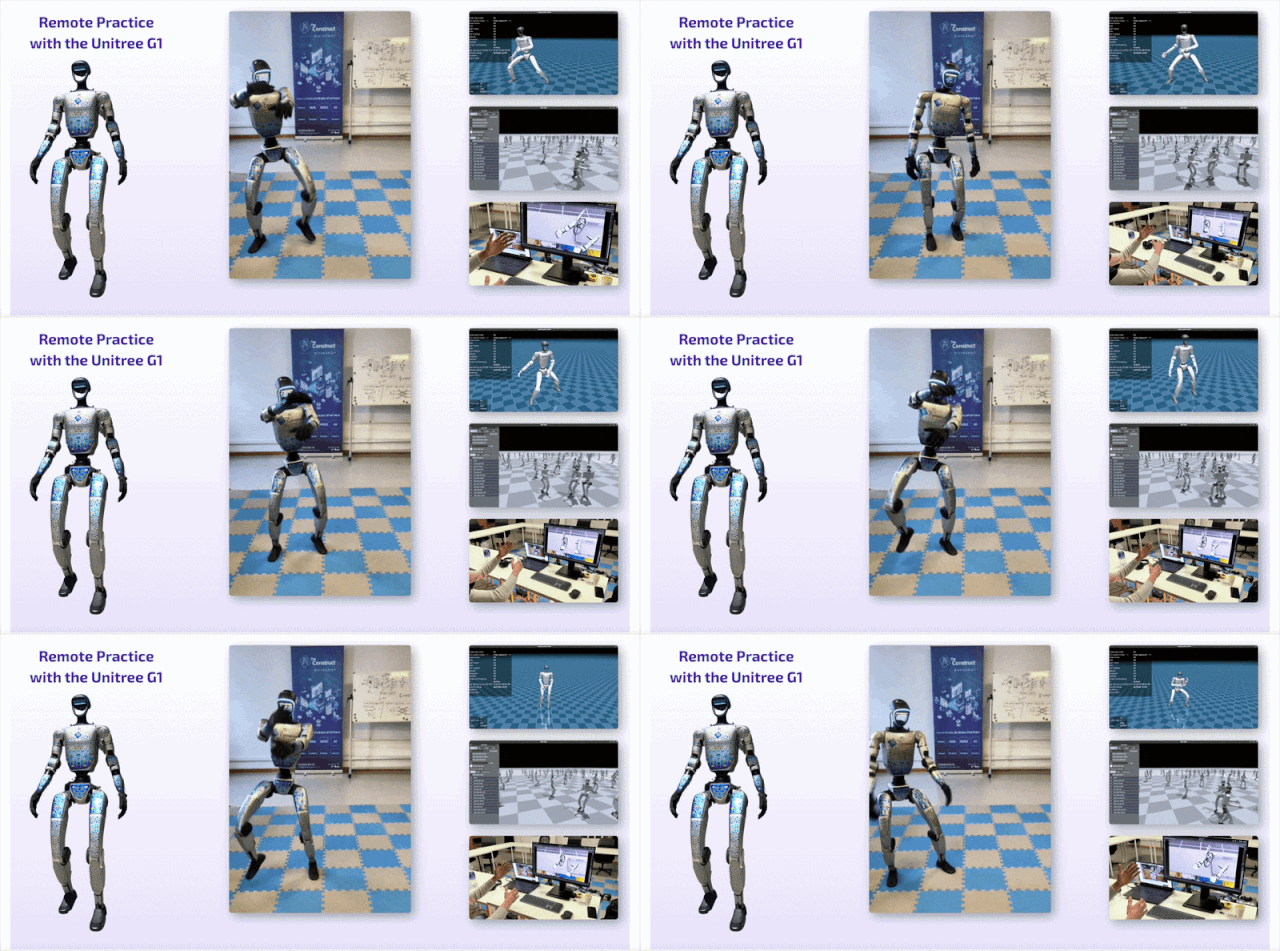
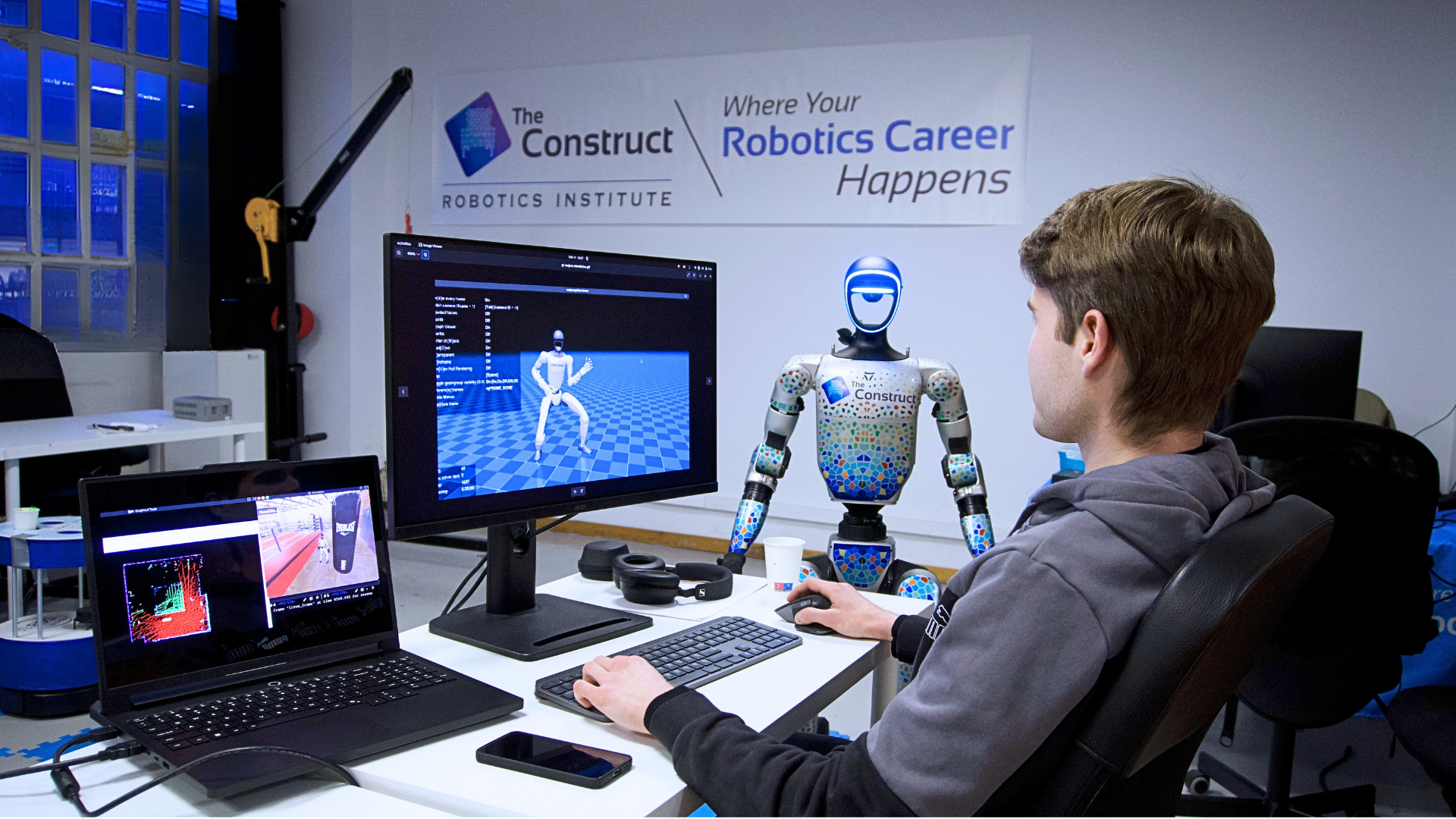
The Humanoid Robotics Masterclass at The Construct Robotics Institute is a hands-on online program that teaches the complete humanoid robotics stack—from mechanical design and electronics to control, ROS 2, simulation, reinforcement learning, whole-body control, teleoperation, and Vision-Language-Action (VLA) models. You’ll also gain practical experience programming the Unitree G1 in both simulation and on real hardware.
Whether you’re preparing for a career in humanoid robotics or building your own embodied AI applications, the Masterclass is designed to help you develop the skills that matter.
Learn more about the Humanoid Robotics Masterclass here: https://www.theconstruct.ai/humanoid-robotics-masterclass/
0 Comments